
Runway AI has changed the game for those who make videos, but let’s face it, it’s not perfect for everyone. Maybe the price seems high, or the interface is hard to understand, or you just need something else for your projects.
No matter what the reason is, the good news is that there are a lot of worthwhile Runway AI alternatives in 2025 that might work better for what you’re doing.
Runway AI is a creative suite powered by AI that lets you make videos from text, edit footage with AI tools, and make visual effects without needing a lot of money or experience.
Here in this article, we will show you 33 different tools that can be used instead of or in addition to Runway.
- Pollo AI brings together more than seven AI models into one platform.
- Synthesia makes professional AI avatar videos in more than 140 languages.
- Pictory automatically turns blog posts into videos.
- Luma Dream Machine makes realistic 3D videos with physics-based motion.
- VEED.io is a browser-based editor that has great subtitle features.
- HeyGen lets you make talking avatar videos from pictures.
Best Runway AI Alternatives in 2025: Detailed Guide
Now is the time to get to the point:
1. Pollo AI
| Feature | Details |
| Best For | All-in-one video maker with tons of AI models |
| Starting Price | Free plan available, paid starts at $10/month |
| Video Length | Up to 2 minutes |
| Key Strength | 7+ top AI models all in one place |
| Skill Level | Anyone can use it |
Pollo AI is actually pretty cool. This Runway AI alternative has seven different AI video makers all in one, and they include Google Veo 3, Runway, Hailuo AI, Kling AI, and a few more.

Right off the bat, this saves you cash. And also, there’s this thing called Pollo Canvas that lets you work in as much space as you want. You can even make a talking AI avatar from just one photo without having to film anything.
They also have more than 40 crazy video effects for when you want to make a funny AI video for TikTok.
Pollo AI Complete Features & Services
You can:
- Type whatever you want and get a video (text to video)
- Upload a photo and watch it come alive (image to video)
- Change existing videos into different styles
- Make talking avatars from one photo (no filming needed)
- Create product videos with AI avatars
- Work in Pollo Canvas with unlimited space
- Swap faces in videos
- Match lip movements to any audio
- Add professional voiceovers
- Keep characters looking the same across scenes
- Get that Studio Ghibli anime look
- Make images better (upscale, add color, restore old photos)
- Remove backgrounds from images
- Start fast with ready-made templates
- Customize everything how you want
Pollo AI Pricing
You can start for free without paying anything, but with limited credits.
- Pro Plan (around $10-15/month)
- Business Plan (around $20-30/month)
- Enterprise Plan (call them for pricing)
2. Synthesia
| Feature | Details |
| Best For | Making professional videos with AI avatars |
| Starting Price | $30/month |
| Video Length | As long as you want |
| Key Strength | 160+ realistic avatars speaking 140+ languages |
| Skill Level | Anyone can do it |
Just type what you want to say on Synthesia, then choose someone to say it, and you’re done.

The thing is, you can pick from more than 160 different avatars, and it’s great for making training videos, product demos, or explaining things to customers.
Synthesia Complete Features & Services
- 160+ AI avatars that look like real people
- Speak in 140+ languages and different accents
- Tons of templates for work stuff
- AI voices that sound natural
- Huge library of stock videos and photos
- Work with your team on videos together
- Share videos easily or embed them
- See what your video looks like before rendering
- Subtitles pop up automatically
- Make personalized videos for different people
- Avatars move and gesture naturally
- A teleprompter helps read scripts
- Make videos in different sizes (wide, tall, square)
- Export in super clear 4K quality
Synthesia Pricing
- Personal Plan ($30/month): You get 10 minutes of video each month, 90+ avatars to pick from, 120+ languages, templates, and screen recording. Plus, videos come out in 720p quality without any watermarks.
- Creator Plan ($90/month): Now you get 30 minutes every month, and more than 160 avatars and more than 140 languages are available. Videos come out in clear 1080p, and you can work with 3 team members, and the processing is faster.
- Enterprise Plan (you have to call them): You can have unlimited video minutes, custom avatars, someone to help you, API access, fancy login stuff, deep analytics, fast support, and also put your own branding on everything.
3. Pictory
| Feature | Details |
| Best For | Turning blog posts into videos |
| Starting Price | $19/month |
| Video Length | Up to 10 minutes |
| Key Strength | Automatically makes videos from your articles |
| Skill Level | Super easy for beginners |
It would usually take a long time to make a blog post into a video, right? Pictory does it by itself, though.
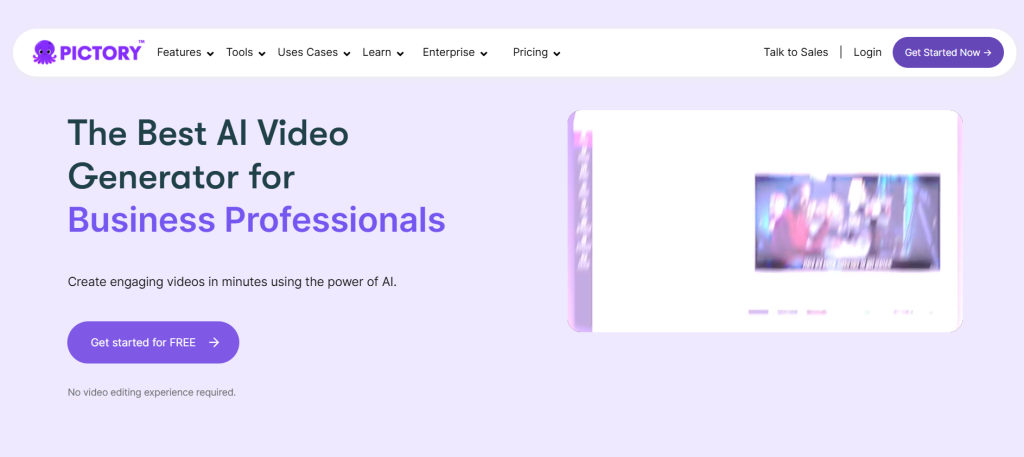
Simply copy and paste the link to your article, and it will find the important parts, find videos that go with them, and put everything together for you.
You don’t have to learn anything here, know about layers, timelines, or any of that other editing stuff, since the AI reads what you’ve written, picks out the main points, and even suggests music.
Pictory Complete Features & Services
Here’s what Pictory can do for you:
- Drop in any article link and get a video
- Type a script and watch it become a video
- Edit existing videos easily
- Pull highlights from long videos automatically
- AI builds scenes based on what you wrote
- 3 million+ stock videos and images to use
- Free music library included
- Edit videos by changing text (seriously, that’s it)
- Captions pop up automatically, customize however you want
- Save your brand colors and fonts
- Stick your logo on videos
- AI voices that sound pretty good
- Shorten long videos into quick clips
- Smooth transitions between scenes
- Turn text into speech
Pictory Pricing
- Standard Plan ($19/month): You can make 30 videos a month, each one up to 10 minutes long, get 5GB of storage, access to all 3 million stock videos and songs, automatic captions, AI voices, and exports in 720p.
- Premium Plan ($39/month): It lets you watch 60 videos a month, each lasting 20 minutes. The storage space goes up to 20GB with all the same features as Standard, but no watermark. Also, videos are export in clear 1080p, processing is faster, AI voices are better, and there are tools for working together as a team.
- Teams Plan ($99/month): This plan is for agencies or groups of people who work together nd offer 50GB of storage for 90 videos a month, all 30 minutes long. You have access to all of the Premium features, plus the ability for five people to work together, make videos in bulk, access the API, and get priority support.
4. Lumen5
| Feature | Details |
| Best For | Social media videos for marketers |
| Starting Price | $29/month |
| Video Length | Up to 10 minutes |
| Key Strength | AI storyboarding with your brand colors |
| Skill Level | Anyone can figure it out |
Lumen5 is like making a PowerPoint, but it’s a video instead. You type some words, and the AI puts everything into scenes with pictures and videos that go with them. You can even drag and drop.
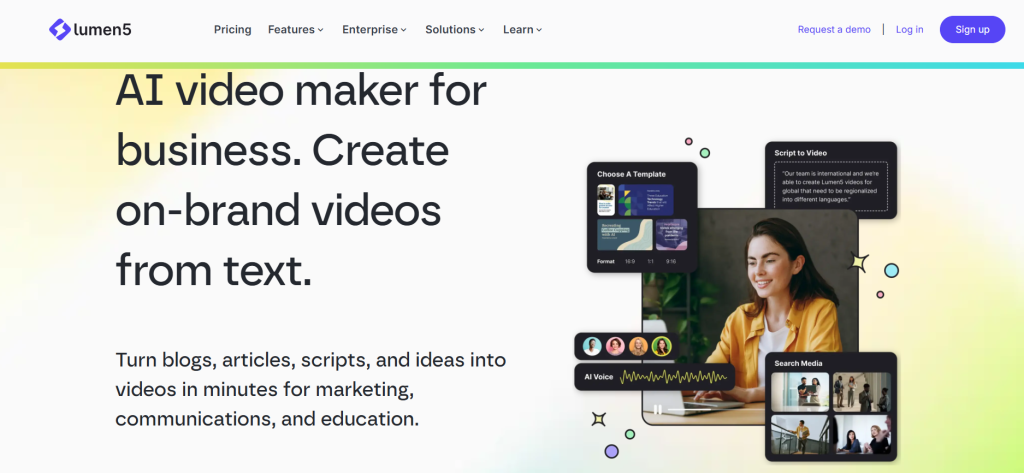
In addition, the brand kit thing is cool for marketers since you only have to set up your company’s colors, fonts, and logo once.
Then, all of your videos will automatically look like your brand. No more worrying about consistency when you’re pumping out dozens of videos for different campaigns.
Lumen5 Complete Features & Services
Let me break down what Lumen5 gives you:
- Paste blog links and watch them become videos
- Millions of free stock photos, videos, and music
- The brand kit keeps everything looking the same
- Pick your own colors and fonts
- Slap your logo on everything
- 40+ templates sorted by what you need (real estate, tech, education, whatever)
- AI matches scenes to your words
- Adjusts scene length automatically
- Text pops up with cool animations
- Templates for talking head videos
- Upload your own videos and photos
- Make square, wide, or tall videos
- Captions appear automatically (you can edit them)
- Record or upload voiceovers
- Control music volume
- Smooth transitions between scenes
- Trim and crop videos
- Check how it looks on mobile
Lumen5 Pricing
- Community Plan (No Cost): They are 720p and have a Lumen5 watermark on them. You get a few basic templates, access to stock media, and one brand preset.
- Basic Plan ($29/month): You can now make 20 full 1080p HD videos every month. No watermark, all templates are unlocked, you get access to the whole stock library, 3 brand presets, and your videos process faster.
- Starter Plan ($79/month): Gives you 60 videos a month. In addition to everything in Basic, you can upload your own fonts, use talking head templates, record video calls, save five brand presets, and bring one teammate with you.
- Professional Plan ($199/month): 200 videos monthly, plus auto-publishing to social media, save custom intros and outros, unlimited brand presets, 5 team members, and support answers you first.
5. InVideo AI
| Feature | Details |
| Best For | Making tons of videos fast and cheap |
| Starting Price | $15/month |
| Video Length | Up to 15 minutes |
| Key Strength | Best bang for your buck |
| Skill Level | Easy to start, gets powerful |
If you need to make a lot of videos without spending a lot of money, InVideo AI is the way to go.
There are more than 6,000 templates that are organized by what you need, and it only takes about 30 seconds to find the right place to start.
The AI helper is pretty cool, too. You just need to say what you want in normal English, like “Make me a 30-second ad for workout gear on Instagram,” and after that, it makes a script, gets the footage, and puts the video together.
Sure, you’ll probably make changes, but you’ll have a good draft in no time. That’s worth a lot.
InVideo AI Complete Features & Services
Here’s the full menu of what InVideo AI offers:
- It writes scripts based on your topic
- 6,000+ templates for every platform (Instagram, YouTube, TikTok, LinkedIn)
- 16 million stock videos and photos (no joke)
- Free music tracks you can use
- Type text, get a video
- Drop article links, get videos
- AI voices that sound pretty natural
- Record your own voice easily
- Subtitles in different languages are automatically
- Save your logo, colors, and fonts
- Resize one video for every platform
- Trim, crop, split videos however you want
- Transitions and cool animations
- Text overlays with tons of styles
- Stickers and emojis library
- Speed videos up or slow them down
- Remove backgrounds from videos and images
- Multi-layer timeline for detailed work
InVideo AI Pricing Details
Free Plan:
- You get 10 minutes of video exports every week.
- Videos come out in 720p with InVideo watermarks.
- But you can test all the templates and stock library for free.
Plus Plan ($15/month):
- Storage jumps to 50GB.
- Make 60 videos monthly in 1080p HD.
- No more watermarks.
- Access to premium stock stuff, even iStock media.
- AI script generation and support answer you faster.
Max Plan ($30/month):
- Storage hits 200GB.
- Make unlimited videos.
- Export in 4K quality.
- Everything from Plus, plus voice cloning, fancy AI features, remove video backgrounds, faster rendering, and work with up to 5 team members.
Enterprise Plan (call for pricing):
- Unlimited storage
- A dedicated person to help you
- Connect it to your other tools
- API access
- Analytics
- Put your own branding on everything
- Custom contract stuff.
Pay yearly and save 40-50% (no kidding).
6. VEED.io
| Feature | Details |
| Best For | Quick edits online without downloads |
| Starting Price | $12/month |
| Video Length | Up to 2 hours |
| Key Strength | Works in your browser, no software needed |
| Skill Level | Anyone |
So VEED.io runs completely in your browser. No downloads, no installs, nothing. You can edit videos from your laptop, your friend’s computer, the library, wherever. Just open the website and go.
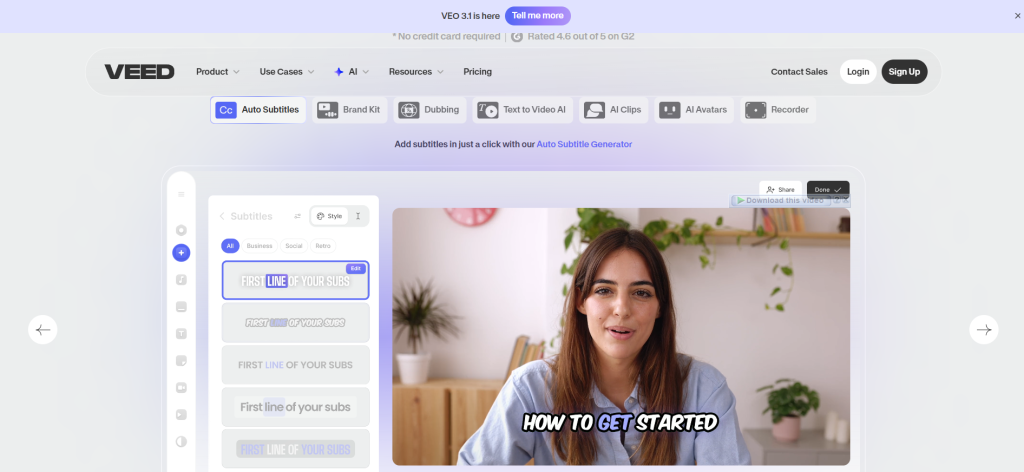
The subtitle thing is what made everyone notice VEED. It creates accurate subtitles in seconds, and you can style them to look like those viral TikTok captions everyone uses. Since most folks scroll social media with sound off, good subtitles can totally make or break whether people watch your video.
What’s handy is how teams work together. Send a link to your coworker or client, and they can drop comments right on the video timeline. No more confusing emails trying to explain “change that thing at the 32-second mark.” They just click and comment right there.
VEED.io Complete Features & Services
Here’s what you get with VEED.io:
- Edit videos right in your browser (no download)
- Auto-subtitles in 125+ languages (crazy accurate – 98.5%)
- Edit subtitles manually if you want
- Translate subtitles into other languages
- Style subtitles however you like with animations
- Trim, cut, and split videos
- Crop and resize for different platforms
- Stock videos, music, and images included
- Add text with cool animations
- Free music and sound effects library
- Adjust volume and mix audio
- Remove video backgrounds (green screen)
- Fix eye contact in presentations (this one’s impressive)
- Cut out filler words (um, uh, like)
- Filters and color adjustments
- Record your screen with a webcam
VEED.io Pricing
Free Plan:
- Up to 10 minutes of total video monthly.
- Exports in 720p with a VEED watermark.
- Basic tools, 50 minutes of auto-subtitles, and 1GB storage.
Basic Plan ($12/month):
- 30 videos per month, 2 hours each.
- Full 1080p HD exports with no watermark
- 120 minutes of auto-subtitles. 10GB storage.
- Basic templates and stock library access.
Pro Plan ($24/month):
- Unlimited videos up to 4 hours each.
- Export in 4K.
- 600 minutes of auto-subtitles
- 50GB storage
- Remove backgrounds with AI.
- Fix eye contact
- Cut filler words.
- Your videos process faster.
Business Plan ($59/month):
- Everything from Pro
- 1,200 minutes of auto-subtitles
- 200GB storage
- Unlimited brand kits
- Work with 3 team members
- Upload custom fonts
- Video analytics
- Support answers you first
- API access.
7. Hailuo AI
| Feature | Details |
| Best For | Movie-style videos with drama |
| Starting Price | $9.99/month |
| Video Length | 6 to 10 seconds |
| Key Strength | Looks like actual cinema |
| Skill Level | Pretty easy |
The whole point of Hailuo AI is to make movies that look like they were taken from a movie.
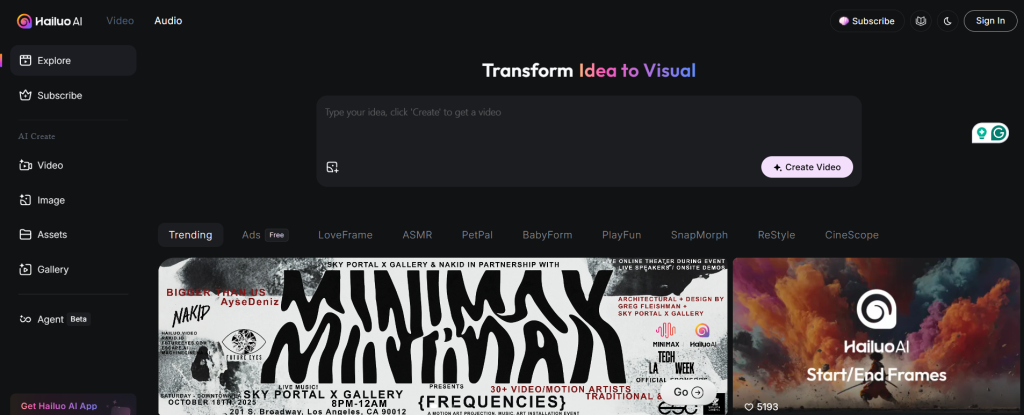
Hailuo AI is the one to use if you want dramatic lighting, smooth camera moves, and a movie-like feel. The AI comes up with ideas like tracking shots, pans, and moody lighting that make videos look really professional.
Awesomely, Hailuo knows more about feelings and vibes than most tools, and you can really feel that mood if you tell it “sunset over city, sad feeling.”
Hailuo AI Complete Features & Services
Hailuo AI can do the following:
- Turn text into cinematic videos
- Animate images with motion
- Camera moves like in movies (pan, tilt, zoom, tracking)
- Dramatic lighting and mood effects
- Colors that really pop
- Videos up to 1080p
- Characters look the same in different shots
- Faces stay accurate when animated
- Different AI modes to pick from
- Pick video length (6-10 seconds)
- Scenes have depth and layers
- Smooth motion, not jerky
- Preview before final render
- Separate the background and foreground
- Add special effects
- Natural-looking movement
Hailuo AI Pricing
Free Plan:
- Limited credits each month
- Videos have watermarks
- Standard processing queue
- Output is 1080p
- Basic features unlocked
Premium Plan ($9.99/month):
- Generous credits to use with no watermarks on your videos.
- The processing queue moves faster
- Full 1080p HD
- All features unlocked
- Faster renders
Pro Plan (around $19.99/month):
- Even more credits
- Highest priority processing
- Everything from Premium
- Make multiple videos at once (batch generation)
- Store videos longer
- Support answers faster
- API coming soon
8. Luma Dream Machine
| Feature | Details |
| Best For | Realistic 3D videos that look super real |
| Starting Price | $9.99/month |
| Video Length | Up to 5 seconds (can extend it) |
| Key Strength | Physics and motion look like real life |
| Skill Level | Takes some learning |
Luma Dream Machine is different from other AI video makers because it focuses on making real 3D things and physics that look real.
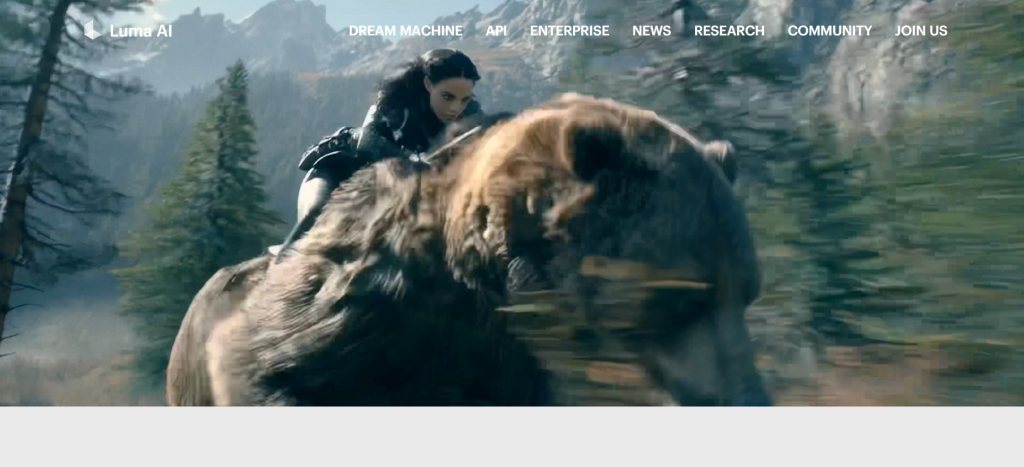
This is the program for you if you want videos that look like they were filmed with real cameras in real places.
The benefits of Luma Dream Machine are that camera movements look and feel like real filmmaking, not fake computer stuff, and it is also great for showing off buildings, doing product demos, or anything else where realism is more important than style.
Luma Dream Machine Complete Features & Services
Luma Dream Machine brings to the table features like:
- Type text, get realistic 3D videos
- Turn images into 3D scenes
- Motion based on real-world physics
- Camera controls like in actual movies (pan, tilt, orbit, tracking)
- 360-degree views you can spin around
- Create volumetric 3D scenes
- Neural Radiance Fields tech (NeRF)
- Gaussian Splatting for super realistic looks
- Smooth transitions between scenes
- Crisp 1080p output
- Extend videos to make them longer
- Upload real-world scans for 3D animation
- Control video speed
- Loop videos seamlessly
- Keyframe control for precise tweaks
- Reframe tool to change aspect ratio
Luma Dream Machine Pricing
Free Tier:
- Create 30 videos every month, and 5 seconds long each.
- Queue for normal processing
- Videos are exported in 720p with watermarks
- Only support from the community
Standard Plan ($9.99/month):
- Jump to 150 videos every month and still 5 seconds each.
- Priority queue, so you don’t have to wait as long
- Output in full 1080p HD
Plus Plan ($29.99/month):
- 600 videos a month, 5 seconds or longer (they can be longer)
- The queue with the highest priority
- Full 1080p
- Making multiple scenes
- More advanced camera controls
- Faster processing
Pro Plan ($99.99/month):
- 2,400 videos every month
- Maximum length of video
- A queue just for you
- Option to export in 4K
- Team collaboration (up to 5 people)
9. HeyGen
| Feature | Details |
| Best For | Making talking avatar videos |
| Starting Price | $29/month |
| Video Length | As long as you need |
| Key Strength | Avatars look and talk like real people |
| Skill Level | Easy peasy |
HeyGen makes avatars that talk out of pictures. Like, one picture and you have someone explaining your product or teaching something.
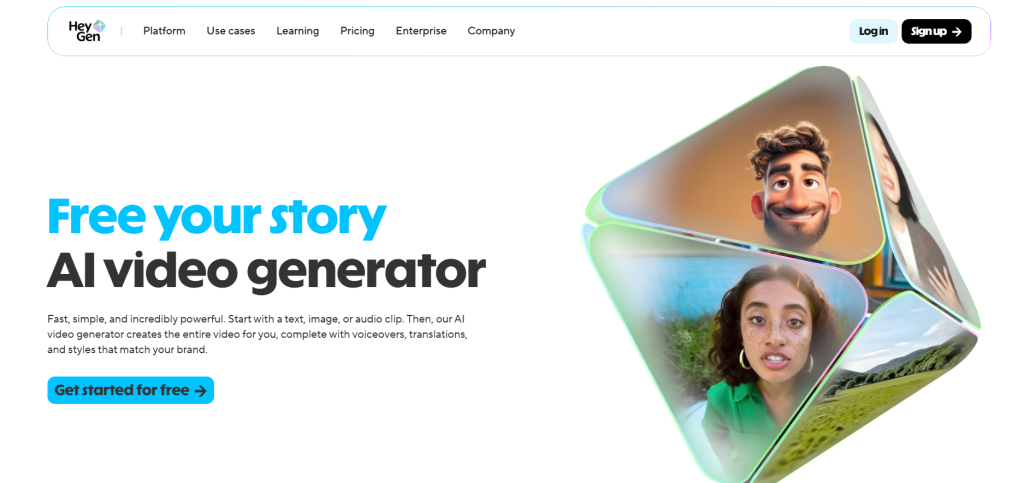
There are no cameras, actors, or awkward recording sessions. All you have to do is upload a picture and type what you want them to say.
Additionally, the avatar’s mouth moves perfectly with the words, and there are more than 300 to choose from with different styles, ages, and backgrounds.
HeyGen Complete Features & Services
What you get with HeyGen includes:
- 300+ realistic avatars ready to use
- Make custom avatars from your photos
- Talk in 40+ different languages
- Automatic translation built in
- Clone voices to sound like anyone
- GPT-4 helps write your scripts
- Tons of templates for different videos
- Add your logo and brand colors
- Record your screen for tutorials
- Huge library of stock videos and music
- Multiple people can work together
- Videos export in crisp 1080p
HeyGen Pricing
Creator Plan ($29/month): You will get 15 video credits monthly, 300+ avatars, 40+ languages, 1080p exports, and no watermark.
Business Plan ($89/month): It will deliver a bump up to 45 video credits, everything from Creator, plus priority rendering, API access, remove video backgrounds, and work with 3 team members.
Enterprise Plan (custom pricing): Here, you have unlimited videos, custom avatars that look like you, a dedicated support person, advanced API, and whatever else you need.
10. Adobe Firefly Video
| Feature | Details |
| Best For | Quick AI video clips in the Adobe ecosystem |
| Starting Price | $9.99/month for 20 clips |
| Video Length | Short clips (5 seconds typically) |
| Key Strength | Works with other Adobe tools |
| Skill Level | Beginner friendly |
Adobe Firefly Video is Adobe’s answer to creating videos with AI. If you already use Adobe programs, it’s great that it works with Premiere Pro and After Effects. You just need to generate a clip, drag it into your timeline, and you’re done.
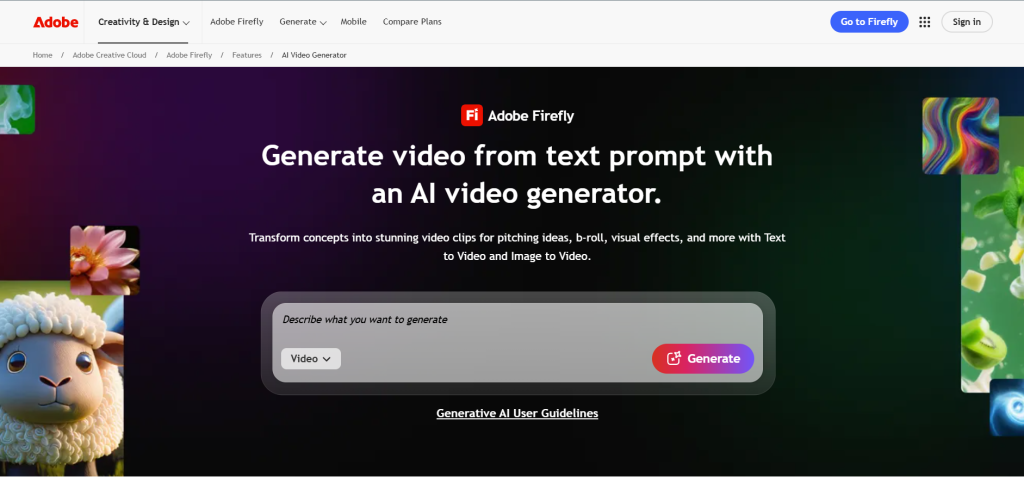
The quality is also good, especially for B-roll or background videos, since you type in what you want, and it makes a short video.
It is not as long as some tools, but it’s useful when you need quick filler footage.
Adobe Firefly Video Complete Features & Services
Adobe Firefly Video offers the following:
- Text to video generation
- Image to video animation
- Integrates with Premiere Pro and After Effects
- Generative fill for videos
- Extend video clips automatically
- Remove objects from footage
- Change colors and styles
- Commercial-safe content (trained on licensed stuff)
- Multiple style options
- Quick render times
- Export in various formats
- Cloud storage for projects
Adobe Firefly Video Pricing
Firefly Add-on ($9.99/month):
- You can make 20 videos every month.
- It works with the Adobe Creative Cloud account you already have.
- It exports in HD and is safe for business use
- Works with both Premiere and After Effects.
Creative Cloud All Apps (around $59.99/month):
- It comes with Firefly credits and all of Adobe’s other products, like Premiere Pro, After Effects, Photoshop, and more.
- The best deal if you need more than one Adobe tool.
- Credits refresh monthly
- Each video generation uses credits based on length and complexity.
- Unused credits don’t roll over.
11. Kling AI
| Feature | Details |
| Best For | Fast, high-quality video generation |
| Starting Price | Pro around $65/month |
| Video Length | Up to 10 seconds |
| Key Strength | Speed and detail quality |
| Skill Level | Pretty easy |
Kling AI is all about getting things done quickly without giving up quality. It makes long videos fast with smooth motion and movie-like effects.
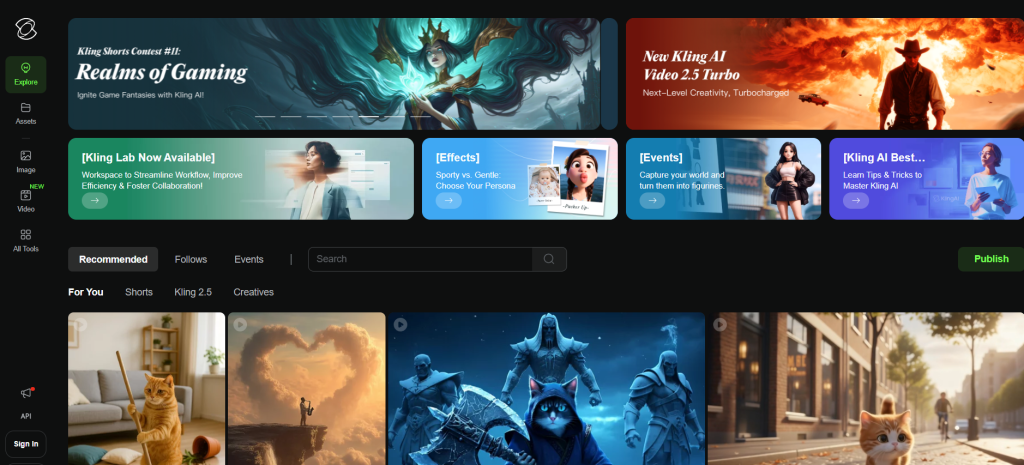
The controls for the camera are great, too, and you can zoom in and out, pan, and do tracking shots, among other things.
It’s cool how well it handles scenes that are hard to understand. A lot of AI tools cannot cope with more than one moving object at a time, but Kling makes everything look natural.
Kling AI Complete Features & Services
Kling AI gives you:
- Text to video with natural language
- Image to video animation
- Advanced camera controls (zoom, pan, orbit, track)
- Smooth motion rendering
- Cinematic lighting effects
- Up to 1080p quality
- Fast processing speed
- Consistent characters across frames
- Realistic physics
- Multiple style options
- Extend video length
- Batch processing for multiple videos
- Template library for quick starts
Kling AI Pricing
Standard Plan (around $30/month):
- Basic credits for video generation
- 1080p exports
- All features unlocked
- Priority queue
- Commercial use
Pro Plan (around $65/month):
- More generous credits
- Everything in Standard
- Faster processing
- Batch generation
- Priority support
Max Plan (around $125/month):
- Highest credit allocation
- Everything in Pro
- Advanced features
- Dedicated queue
- Team collaboration tools
12. Google Veo 3
| Feature | Details |
| Best For | Videos with matching sound effects |
| Starting Price | Part of the AI Ultra plan at $249/month |
| Video Length | Variable |
| Key Strength | Generates audio with video automatically |
| Skill Level | Easy to start |
Google Veo 3 does something else: it changes the sound to match your video. If you ask for a busy subway scene, you’ll get the video along with background noise, train sounds, and everything else.

The videos are clear and the action flows naturally. Also, the lighting looks real, and the motion is smooth.
You can even add your own voiceovers or pictures to templates, which helps you get started quickly.
Google Veo 3 Complete Features & Services
What Veo 3 brings:
- Text to video with audio generation
- Creates background sounds automatically
- Realistic visuals with natural lighting
- Smooth motion and camera work
- Voiceover integration
- Image upload support
- Multiple templates
- Style customization
- High-resolution exports
- Natural scene composition
- Object tracking
- Fast rendering
- Commercial usage rights
Google Veo 3 Pricing
AI Ultra Plan ($249/month):
- Google Veo 3, along with other Google AI tools
- Unlimited video generations (fair use)
- Audio generation included
- 1080p exports
- Commercial rights
- Priority processing
- Full integration with the Google ecosystem.
13. Sora (OpenAI)
| Feature | Details |
| Best For | Long-form cinematic AI videos |
| Starting Price | $20/month via ChatGPT Plus |
| Video Length | Up to 60 seconds |
| Key Strength | Longest high-quality videos |
| Skill Level | Easy prompting |
OpeningAI’s Sora can make videos up to a minute long, which is longer than most AI tools. Also, the standard stays the same throughout, which is hard for AI.
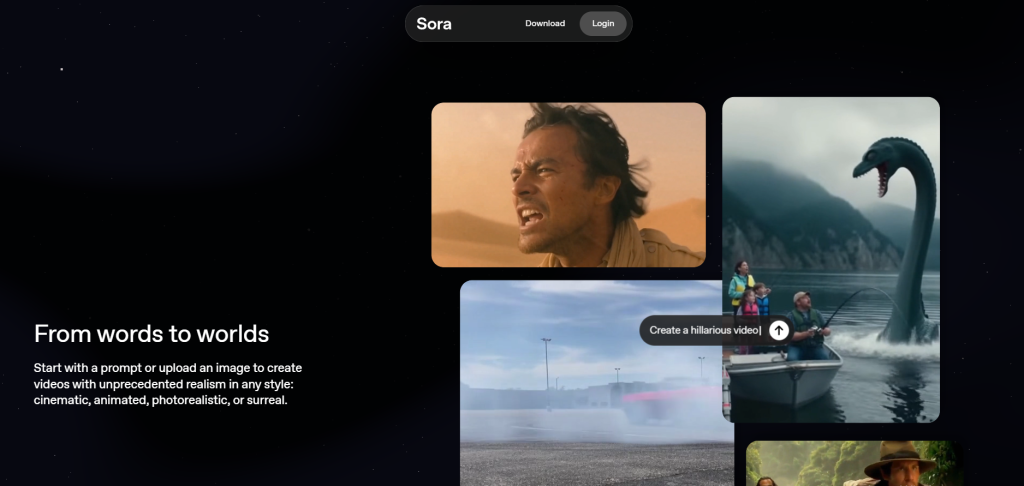
The vids look like movies, too. Even in scenes with a lot going on, the camera moves look like they were planned, the lighting is interesting, and the motion stays smooth.
OpeningAI’s Sora Complete Features & Services
Sora offers:
- Text to video up to 60 seconds
- Cinematic quality output
- Consistent motion throughout
- Realistic physics simulation
- Multiple camera angles
- Natural lighting effects
- Complex scene handling
- Character consistency
- Style control via prompts
- 1080p HD exports
- Fast generation considering length
- Commercial usage allowed
OpeningAI’s Sora Pricing
ChatGPT Plus ($20/month):
- Have access to Sora along with GPT-4
- Image generation and other premium features
- Limited video generations per month (exact number varies)
- 1080p exports
- Commercial usage rights
- Priority access to new features
Pro/Enterprise (higher tiers):
- More video generations
- Faster processing
- Dedicated support
- Pricing varies based on usage needs.
14. Pika Labs
| Feature | Details |
| Best For | Stylized animations and fantasy videos |
| Starting Price | Free with paid tiers |
| Video Length | Up to 10 seconds |
| Key Strength | Artistic and surreal styles |
| Skill Level | Easy |
Pika Labs focuses on the creative side of AI video and is the place to go if you want something that looks cool, strange, or like a fantasy.
You can make things melt, blow up, change shape, or change in ways that look cool but not real. So it is good for creative writing, indie projects, or social media posts where you want to stand out with interesting pictures.
Pika Labs Complete Features & Services
Pika Labs provides:
- Text to video with artistic styles
- Image animation with effects
- Stylized character animation
- Fantasy and surreal aesthetics
- Special transformation effects
- Dynamic motion controls
- Voice-to-animation (beta)
- Multiple artistic styles
- Loop creation for seamless playback
- 1080p HD exports
- Community sharing features
- Quick iteration and experimentation
Pika Labs Pricing
Free Plan:
- Limited generations monthly
- Watermarked videos
- Standard queue
- 720p exports
- Access to all basic features
Standard Plan (around $10/month):
- More generations
- No watermark
- 1080p exports
- Priority queue
- All effects unlocked
- Commercial usage rights
Pro Plan (around $35/month):
- Highest generation limits
- Everything in Standard
- Fastest processing
- Advanced features
- Private generations
- Priority support.
15. Fliki
| Feature | Details |
| Best For | Videos with AI voiceovers |
| Starting Price | $21/month |
| Video Length | Up to 15 minutes |
| Key Strength | 900+ natural-sounding voices |
| Skill Level | Super easy |
Fliki makes videos that are mostly voiceovers. There are more than 900 AI voices to choose from in more than 75 languages, and the voices sound real now, not robotic like they used to.
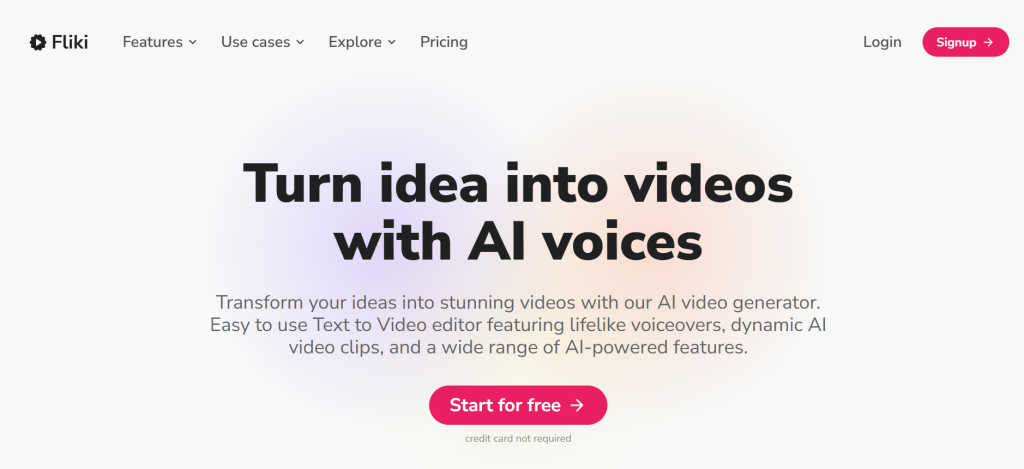
It’s made for YouTubers, marketers, and teachers who need narrated content quickly.
You just have to type your script, choose a voice, and pick some visuals. The platform automatically matches video clips to your script.
Fliki Complete Features & Services
Fliki gives you:
- 900+ AI voices in 75+ languages
- Text to video with voiceover
- Blog to video conversion
- Script to speech synthesis
- Automatic scene matching
- Stock media library (millions of clips)
- Music library included
- Multiple video formats
- Brand customization
- Subtitle generation
- Voice cloning option
- Bulk video creation
- Direct social media export
Fliki Pricing
- Free Plan: 5 minutes of content every month, a few voices, a Fliki watermark, and 720p exports.
- Standard Plan ($21/month): 180 minutes a month, all standard voices with no watermark, 1080p exports, commercial rights, and access to the stock library.
- Premium Plan: 600 minutes a month for $66m, along with premium voices, copying voices, rendering in order of importance and access to the API.
- Enterprise Plan (custom pricing): Unlimited content, all features, and dedicated support, custom voices, the ability to work together as a team, and white-label options.
16. Canva Video
| Feature | Details |
| Best For | Quick social media videos with design |
| Starting Price | Free (Pro at $12.99/month) |
| Video Length | Up to 5 minutes on free |
| Key Strength | Design + video in one tool |
| Skill Level | Easiest one out there |
Canva Video is part of Canva, so if you already use it for graphics, adding video is seamless.
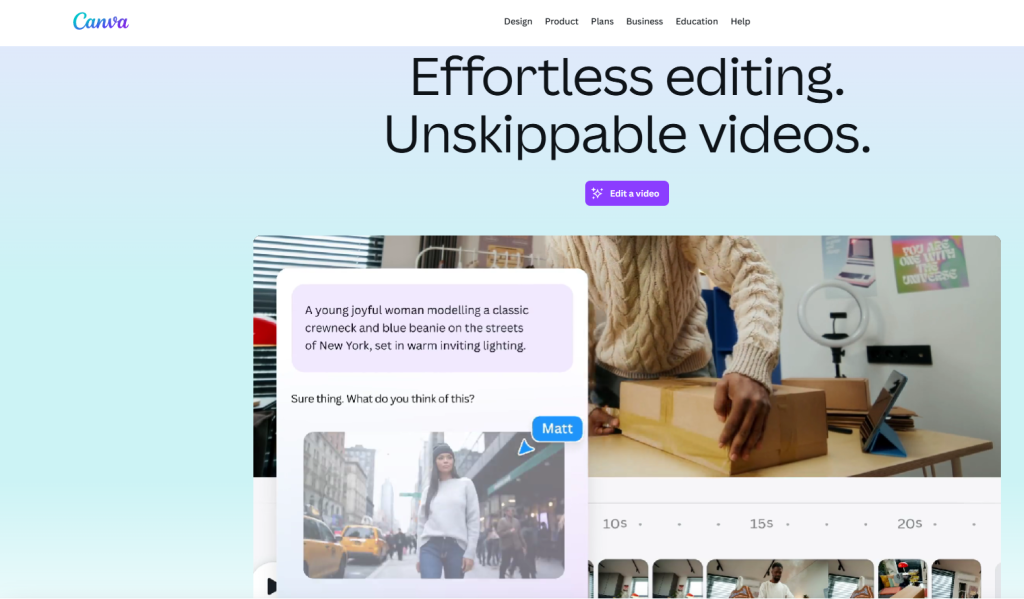
Same drag-and-drop interface, same brand kit, same stock library and also with zero learning curve if you know Canva.
Even better is that the templates are killer for social media such as Instagram Stories, TikTok videos, and YouTube intros since everything’s sized right and looks good.
Canva Video Complete Features & Services
Canva Video includes:
- Drag and drop video editor
- Thousands of video templates
- Stock footage library
- Music and sound effects
- Text animations and effects
- Brand kit integration
- Magic Resize for all platforms
- Background removal for videos
- Collaboration tools
- Direct social sharing
- Mobile app editing
- GIF creation
- Video trimming and splitting
- Transition effects
Canva Video Pricing
Free Plan:
- Unlimited designs
- 250,000+ templates
- Basic video features
- Canva watermark
- Up to 5 minutes of video
- Standard stock library.
Pro Plan ($12.99/month per person):
- Everything free has, plus remove backgrounds
- Magic Resize
- Premium stock library
- Brand kit
- No watermark
- 100GB storage
- Schedule social posts.
Teams Plan ($14.99/month per person, minimum 2 people):
- Everything in Pro
- Team collaboration features
- Centralized billing
- Admin controls
- Brand management tools
17. DeepBrain AI Studios
| Feature | Details |
| Best For | AI presenter videos for businesses |
| Starting Price | $24/month |
| Video Length | Variable |
| Key Strength | Professional AI presenters |
| Skill Level | Easy to use |
DeepBrain AI Studios makes videos that are like presenters.

You get AI humans that look and act like real people, like news anchors or teachers. They look like professionals, move like they do, and lip sync perfectly.
What we like most is that it gives you more than 100 avatars that can talk in more than 80 languages, and also, there is someone who can be a business presenter, teacher, or spokesperson for you.
DeepBrain AI Complete Features & Services
Here’s what DeepBrain offers:
- 100+ realistic AI presenters
- 80+ languages and accents
- Custom avatar creation from photos
- PowerPoint to video conversion
- Script assistance with AI
- Professional video templates
- Brand customization tools
- Subtitle generation automatically
- 1080p HD exports
- Team collaboration workspace
- Video analytics tracking
- Direct social sharing
DeepBrain AI Pricing
Starter Plan ($24/month):
- 15 minutes of video monthly
- All basic avatars
- 80+ languages
- 1080p exports
- No watermark
- Commercial rights included.
Pro Plan ($72/month):
- 90 minutes monthly
- All the features in Starter
- Custom avatars
- PowerPoint conversion
- Priority rendering
- API access
- 3 team seats
Enterprise Plan (custom pricing):
- Unlimited videos
- Dedicated support
- Advanced API
- Custom integrations
- White-label options
- Team management tools
18. Designs.ai
| Feature | Details |
| Best For | Complete creative suite with video |
| Starting Price | $19/month |
| Video Length | Up to 10 minutes |
| Key Strength | Logo, video, text, and design all in one |
| Skill Level | Beginner friendly |
Designs.ai isn’t just video. It’s a whole creative toolkit. You get logo maker, video maker, design tools, speech tools, all connected. So you can create your brand identity and marketing videos in the same place.
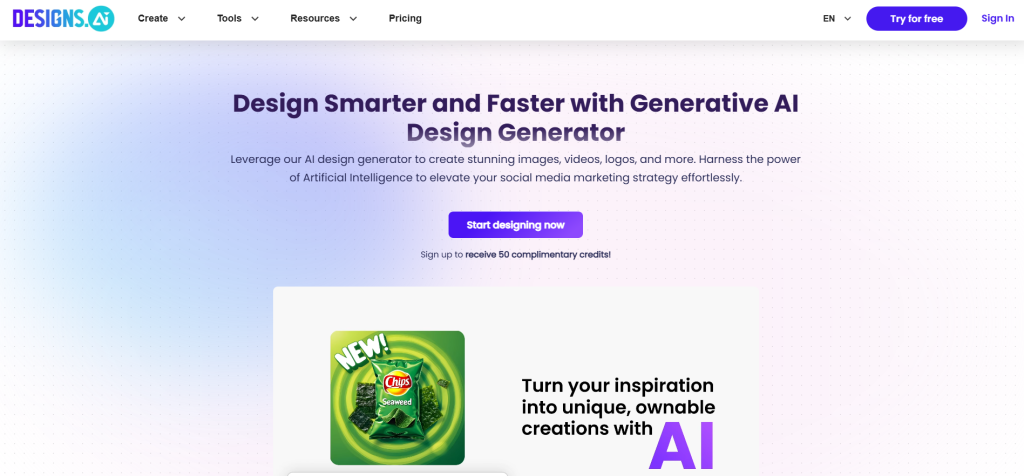
The video editor uses AI to match clips to your script. Upload text, pick a style, and it builds the video. Templates for every industry make starting easy.
Plus, everything syncs with your brand kit, so logos and colors stay consistent across all content.
Designs.ai Complete Features & Services
What you get with Designs.ai includes:
- AI video maker with templates
- Logo design generator
- Speech synthesis (text to voice)
- Design maker for graphics
- Stock library (millions of assets)
- Brand kit management
- Template library across all tools
- Cloud storage for projects
- Team collaboration features
- Multiple export formats
- Social media optimization
- Commercial usage rights
Designs.ai Pricing
Basic Plan ($19/month):
- Limited projects
- All tools unlocked
- Basic templates
- 5GB storage
- Watermarked exports
Pro Plan ($49/month):
- Unlimited projects
- No watermarks
- Premium templates
- 50GB storage
- Priority support
- Commercial rights
- All features unlocked
Enterprise Plan (custom pricing):
- Everything in Pro
- Dedicated account manager
- Custom templates
- Unlimited storage
- Team management
- API access.
19. Visla
| Feature | Details |
| Best For | Team video collaboration |
| Starting Price | $18/month |
| Video Length | Up to 30 minutes |
| Key Strength | Real-time team collaboration |
| Skill Level | Easy to learn |
Visla AI is all about groups working together to make videos. Several people can edit at the same time, leave comments, and approve changes right away.
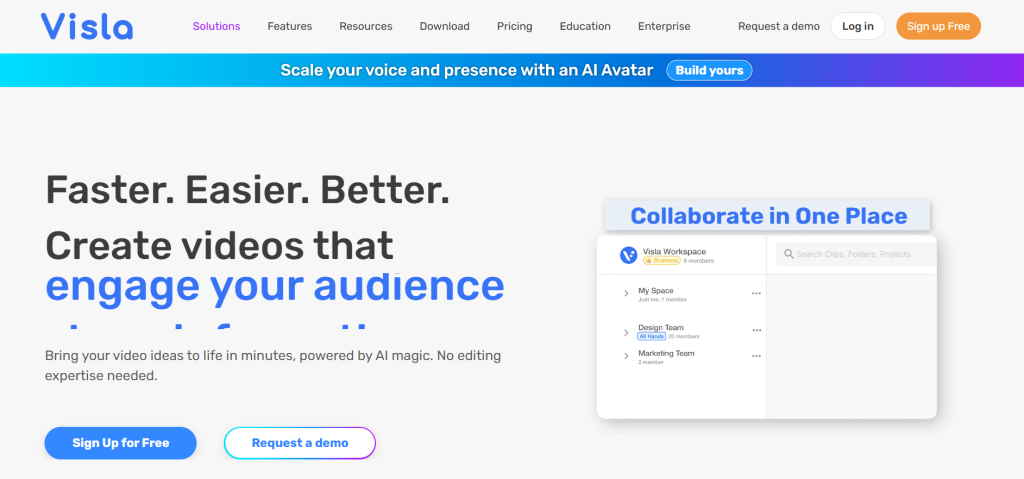
The AI helps by suggesting changes, finding stock footage that fits, and even turning meetings into videos.
So, we can see that it’s great for marketing teams, agencies, or any group that works together to make videos.
Visla AI Complete Features & Services
What Visla offers are:
- Real-time collaborative editing
- Meeting recording and transcription
- AI-powered clip suggestions
- Stock footage library
- Template library
- Brand kit management
- Comment and approval workflow
- Version history tracking
- Team workspace organization
- 1080p exports
- Direct social sharing
- Analytics dashboard
Visla AI Pricing
Pro Plan ($18/month per user):
- No limits on videos
- All features
- 10GB of storage for each person
- Tools for working together
- AI features
- Branding kit
- No watermark
- Business rights
Team Plan ($40/month per user):
- Everything in Pro
- Advanced analytics
- Priority support
- Centralized billing
- Admin controls
- 25GB storage per user
- Custom branding.
20. Revid AI
| Feature | Details |
| Best For | Short-form social content |
| Starting Price | Around $10/month |
| Video Length | Up to 60 seconds |
| Key Strength | Optimized for TikTok, Reels, Shorts |
| Skill Level | Really easy |
Revid AI makes short videos for TikTok, Instagram Reels, and YouTube Shorts and gets the style, pacing, and format that works on these sites.
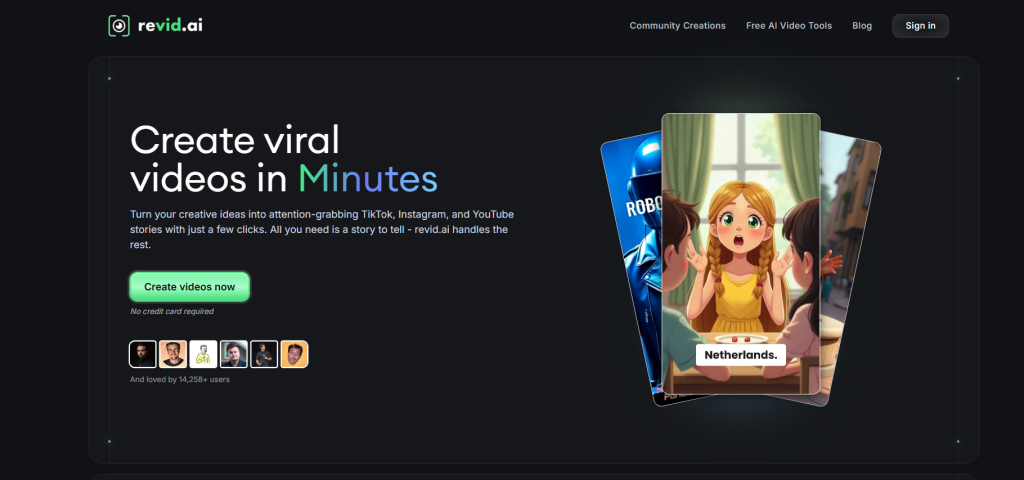
The AI knows how to make short-form content stand out since it suggests hooks, adds captions like those in viral videos, and keeps things moving quickly.
You can make a lot of short videos much faster than editing them by hand.
Revid AI Complete Features & Services
Revid AI gives you:
- Short-form video optimization
- Viral caption styles
- Trending audio library
- Auto-editing for pace
- Platform-specific templates
- Batch video creation
- Hook suggestions
- Text animation effects
- Quick exports (9:16 ratio)
- Direct platform sharing
- Analytics tracking
- Hashtag suggestions
Revid AI Pricing
- Basic Plan (around $10/month): This plan will give you access to 30 videos monthly, all templates, trending audio, auto-captions, 1080p exports, and commercial rights.
- Pro Plan (around $25/month): Here you will have access to 100 videos each month, priority rendering, advanced templates, batch creation, analytics and API access.
- Creator Plan (around $39/month): Now you will get unlimited videos, everything unlocked, fastest processing, priority support, and white-label exports.
21. Colossyan AI
| Feature | Details |
| Best For | Training and educational videos |
| Starting Price | $28/month |
| Video Length | Variable |
| Key Strength | Built specifically for L&D |
| Skill Level | Easy for trainers |
Colossyan focuses on content for learning and growth.
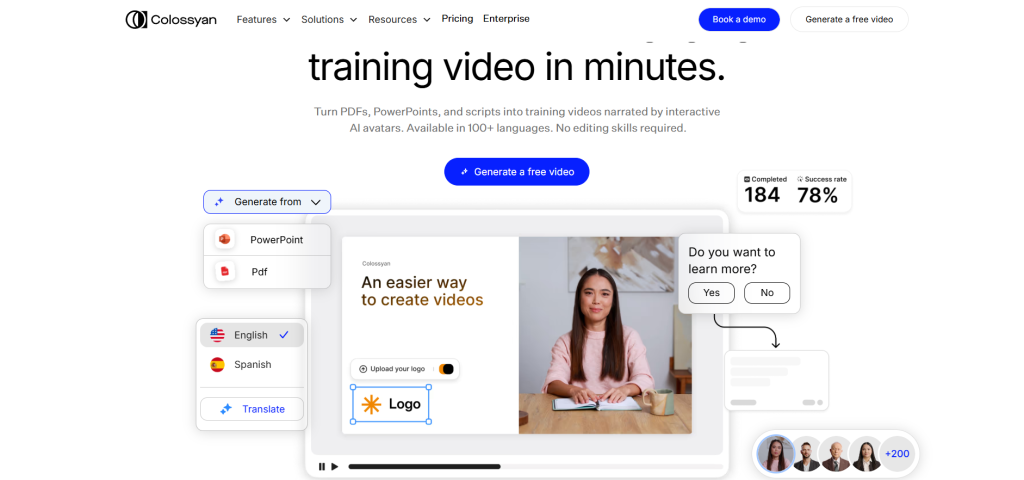
Teachers, coaches, and teaching creators are the ones who should use it because the models are designed to help adults learn, and the images are great for showing how things work.
Features like automatic translation make it a lot easier to train people all over the world, and also, what you write in English will be instantly translated into more than 70 languages.
Additionally, you can check students’ understanding while they are watching the movie.
Colossyan Complete Features & Services
Colossyan provides:
- Training-focused templates
- 70+ languages with auto-translation
- Interactive quizzes in videos
- Screen recording for tutorials
- Script assistant for content
- Avatar customization
- Voice cloning capability
- Brand kit integration
- Collaboration tools
- Analytics on video performance
- 1080p exports
- LMS integration
Colossyan Pricing
Starter Plan ($28/month):
- 20 minutes of video
- Basic avatars
- 70+ languages
- Templates
- Auto-translation
- 720p exports
- Commercial rights
Pro Plan ($88/month):
- 90 minutes monthly
- Premium avatars
- Voice cloning
- Screen recording
- Interactive features
- 1080p exports
- Priority support
22. VideoGen
| Feature | Details |
| Best For | Automated bulk video production |
| Starting Price | Variable |
| Video Length | Flexible |
| Key Strength | High-volume automation |
| Skill Level | Moderate |
VideoGen makes it easy to make a lot of videos at once.

It makes videos by itself when you give it data like product listings, blog posts, or anything else, and this is great for e-commerce sites with thousands of items or content sites that make videos every day.
VideoGen saves a lot of time to automate things, and you only need to set up templates once, connect your data source, and videos will be made automatically.
VideoGen Complete Features & Services
VideoGen includes:
- Bulk video automation
- Data source integration
- Template customization
- Automatic scene generation
- Voice synthesis
- Stock footage matching
- Brand consistency enforcement
- Batch processing
- API access
- Cloud rendering
- Multiple export formats
- Scheduled generation
VideoGen Pricing
Pricing Details
Pro Plan ($12/month per user, billed yearly):
- Dynamic fair-use AI limits
- 10,000 characters max per voiceover
- 50GB storage
- Full commercial rights
- Upload custom media
- Generative AI images included
- Video presets. Standard priority
- No iStock downloads, no generative AI videos, no AI avatars, no priority support.
Business Plan ($74/month per user, billed yearly):
- Higher fair-use limits
- 30,000 characters per voiceover
- 500GB storage
- Everything from Pro, plus 50 iStock downloads monthly, generative AI videos, AI avatars, priority AI feature access, and early access to new features.
- No dedicated account manager or priority support.
Enterprise Plan (custom pricing)
- Highest or custom fair-use limits
- Custom voiceover length
- Custom storage
- Everything from Business, plus priority support, a dedicated account manager, and top priority AI access.
23. Wan AI / Wan 2.1
| Feature | Details |
| Best For | Credit-based flexible usage |
| Starting Price | Around $0.10 per generation |
| Video Length | Variable |
| Key Strength | Pay only for what you use |
| Skill Level | Easy to moderate |
Wan AI has a system of credits. You buy credits and then use them when you want videos. So, you don’t have to sign up for a monthly plan if you don’t want to.
Wan 2.1 made things a lot faster and more consistent. Moreover, you have the option to make videos on demand, which makes it great for project-based work or seasonal campaigns.
Wan AI / Wan 2.1 Complete Features & Services
Wan AI will give you:
- Credit-based pricing model
- Text to video generation
- Image to video animation
- Multiple style options
- Quality settings (affects credit cost)
- Length customization
- 1080p exports
- Batch generation
- No subscription required
- Credits don’t expire
- API available
- Commercial usage allowed
Wan AI / Wan 2.1 Pricing
Credit Purchase: Credits start around $0.10 per video generation. Exact cost depends on:
- Video length
- Quality settings (720p vs 1080p)
- Complexity of generation
- Speed tier selected
Bulk Credit Packs: If you buy more credits at once, you will get better rates. For example:
- 100 credits: ~$10
- 500 credits: ~$45 (10% savings)
- 1000 credits: ~$80 (20% savings)
Credits never expire, and you can use them whenever you need.
24. LTX Studio
| Feature | Details |
| Best For | Compute-based video creation |
| Starting Price | $12/month for 8,640 seconds |
| Video Length | Depends on the compute allocation |
| Key Strength | Flexible resource management |
| Skill Level | Moderate |
LTX Studio is not like other tools since you buy time on a computer, not videos. Therefore, if you want longer videos, you’ll need more computer power.
In fact, it’s flexible, which is great when your projects are very different.
LTX Studio Complete Features & Services
LTX Studio gives you:
- Compute-based pricing model
- Text to video generation
- Image to video conversion
- Variable video length options
- Quality scales with the compute used
- Resolution up to 4K available
- Motion control settings
- Style customization
- Batch processing capability
- API access for integration
- Cloud rendering infrastructure
- Project saving and management
- Commercial usage allowed
LTX Studio Pricing
Starter Pack ($12/month):
- Get 8,640 seconds of compute time
- Use it however you want
- Short high-quality videos or longer standard ones
Pro Pack ($35/month):
- 25,920 seconds of compute
- Better value per second
- Priority rendering queue
- API access included
Studio Pack ($99/month):
- 86,400 seconds of compute
- Best rate per second
- Highest priority
- Team features
- Dedicated support.
25. MiniMax Hailuo
| Feature | Details |
| Best For | Getting started with AI video for free |
| Starting Price | Free tier available, paid at $9.99/month |
| Video Length | 5 to 10 seconds |
| Key Strength | Solid free option |
| Skill Level | Easy |
MiniMax Hailuo has a real free tier that works. Not a test, not a tease. A real free option that lets you make videos without having to pay.

Well, MiniMax Hailuo is great for students, hobbyists, or anyone who wants to test AI video.
MiniMax Hailuo Complete Features & Services
What MiniMax Hailuo offers are:
- Generous free tier with real features
- Text to video creation
- Image animation capability
- 5 to 10 second videos
- 1080p output quality
- Multiple style options
- Simple prompt interface
- Fast generation times
- Queue system for free users
- Commercial rights on paid plans
- Mobile-friendly interface
- Community sharing features
MiniMax Hailuo Pricing
Pay-As-You-Go Video Pricing (MiniMax Hailuo 02)
- $0.10 per 512P, 6-second video clip
- $0.15 per 512P, 10-second video clip
- $0.28 per 768P, 6-second video clip
- $0.56 per 768P, 10-second video clip
- $0.49 per 1080P, 6-second video clip
Standard Plan ($1,000, originally $1,053, save 5%):
- All video models are supported
- 20 requests per minute
- 3,760 units included
Pro Plan ($2,500, originally $2,778, save 10%):
- All video models
- 30 requests per minute
- 9,920 units
26. Toki AI
| Feature | Details |
| Best For | AI avatars from single photos |
| Starting Price | Varies by tier |
| Video Length | Up to 2 minutes |
| Key Strength | No training or pre-recording needed |
| Skill Level | Easy |
Toki AI makes avatars that can talk from just one photo. One. You don’t need to train for a long time or from different angles.
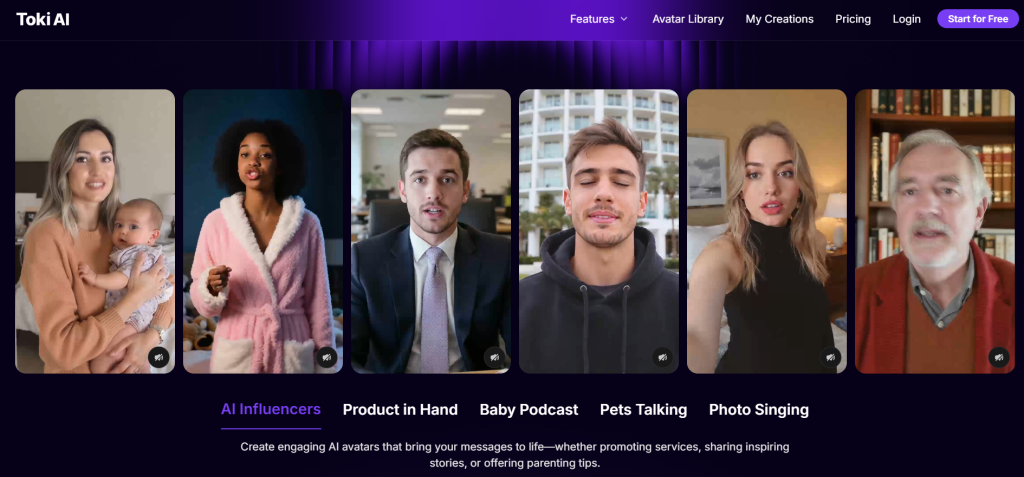
Just upload a picture and type what you want the avatar to say, and it will talk.
Toki AI Complete Features & Services
Toki AI offers:
- One-photo avatar creation
- No pre-training required
- Realistic lip sync technology
- Natural facial expressions
- Multiple voice options
- 70+ languages supported
- Custom gesture controls
- Background customization
- Up to 2-minute videos
- 1080p quality exports
- Batch avatar creation
- API for developers
- Commercial usage rights
Toki AI Pricing
Free Plan ($0/month):
- 20 credits
- Up to 8 seconds of video monthly
- 1 parallel task
- Talking and singing avatars
- 100,000+ templates.
Lite Plan ($10/month yearly, $15 monthly):
- 300 credits per month
- Up to 75 seconds of video monthly
- 2 parallel tasks
- Talking and singing avatars
- 100,000+ templates
- Faster generation speed
Pro Plan ($14.50/month yearly, $29 monthly):
- 800 credits per month
- Up to 200 seconds of video monthly
- 3 parallel tasks
- Talking and singing avatars
- 100,000+ templates
- Faster generation speed.
27. Vidu AI
| Feature | Details |
| Best For | Customization-focused video creation |
| Starting Price | Varies by tier |
| Video Length | Up to 10 seconds |
| Key Strength | Deep customization options |
| Skill Level | Moderate to advanced |
You have complete control over everything with Vidu AI.
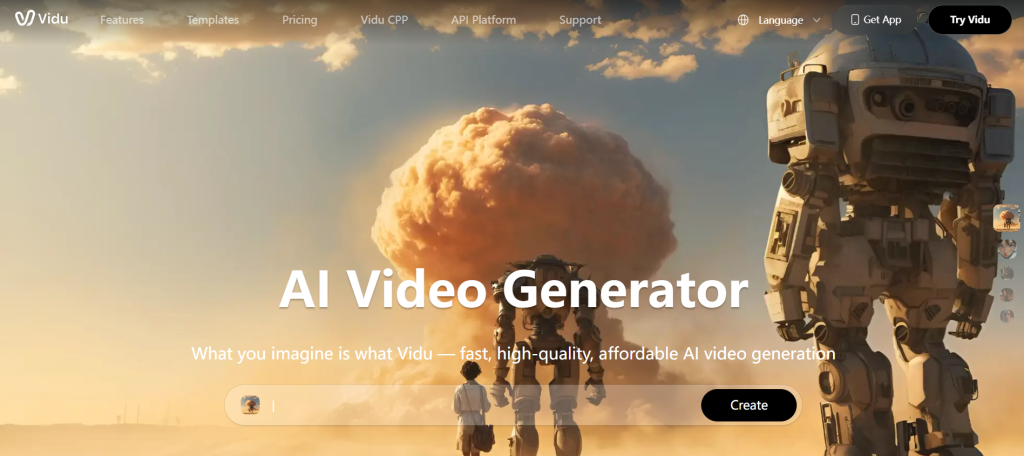
Want to change the speed of the motion? Finished. Want specific camera angles? Got it. You have control over everything, like the lighting, depth, and style.
Vidu AI Complete Features & Services
Vidu AI provides:
- Extensive customization controls
- Text to video with detailed prompts
- Image to video animation
- Multiple generation modes
- Camera angle control
- Lighting adjustments
- Motion speed settings
- Style customization
- Depth control
- 1080p output quality
- Batch processing
- API available
- Commercial licensing
Vidu AI Pricing
Free Plan ($0/month):
- 10 references per month
- Limited features for testing
Standard Plan ($8/month, billed yearly as $96):
- 800 credits monthly
- Generate up to 200 videos
- High-resolution video generation
- 6s-8s video generation (includes Q2 6s-8s, 2.0/1.5 8s option)
- 50 references per month
- Fast channel generation
- Buy credits at up to 44% off
Premium Plan ($28/month, billed yearly as $336):
- 4,000 credits monthly.
- Generate up to 1,000 videos
- High-resolution video generation
- 6s-8s video generation (includes Q2 6s-8s, 2.0/1.5 8s option)
- 100 references per month
- High-speed channel generation
- Generate 4 videos at once
- Access to Prompt Editing Pro Mode
Ultimate Plan ($79/month, billed yearly as $948):
- Best Value 8,000 credits monthly
- Submit up to 200 videos daily
- High-resolution video generation
- 6s-8s video generation (includes Q2 6s-8s, 2.0/1.5 8s option)
- 300 references per month
- Ultra-fast channel generation
- Buy credits at up to 55% off
- Commercial use allowed
Found Your Best Runway AI alternatives?
After looking at 33 different Runway alternatives, it’s clear that there isn’t one “best” tool that works for everyone.
The best choice for you depends on what you’re making, how much you want to spend, and how good you are with technology.
You might be a solo creator who needs Pollo AI’s variety, or you might be the owner of a business that needs Synthesia’s professional avatars to speak more than 140 languages.
But you can try out most of these tools for free before you buy them. So just pick 2 or 3 that fit your needs and try them out for a week to see which one works best with your workflow.
FAQs
Several tools offer free plans that actually work, like MiniMax Hailuo and Haiper AI. For paid options, Toki AI starts at just $10/month yearly, and VideoGen hits $12/month, making them super affordable for creators on a tight budget.
Most paid plans include commercial rights, but free tiers usually don’t. Tools like Synthesia, InVideo AI, and Luma Dream Machine all allow business use on their paid plans, so just check before selling stuff you make.
Sora from OpenAI wins this one, generating up to 60 seconds of video in one go. Most other tools max out around 5-10 seconds, though some like Toki AI and AdsDrive can do up to 2 minutes for avatar videos.
Nope, zero coding needed for most of them. Tools like Video AI One, Canva Video, and Pictory are built for regular folks who just want to make videos without touching any code.
Revid AI specializes in TikTok and Instagram Reels with viral-style formatting. VEED.io also rocks for social media with its caption features, and Haiper AI creates energetic clips that grab attention fast.
They handle repetitive stuff brilliantly but can’t match human creativity yet. Perfect for bulk content, templates, and quick clips, but complex storytelling or artistic projects still need a real editor’s touch.