
In 2026, the demand for AI-powered video and content creation tools has skyrocketed, and LTX Studio has emerged as a versatile platform for creators, marketers, educators, and businesses alike.
From social media campaigns to e-learning modules, LTX Studio allows users to produce polished, engaging videos quickly, without needing extensive technical skills.
This LTX Studio Review explores everything you need to know: what the platform offers, key features, pricing plans, pros and cons, and how it stacks up against the top alternatives available this year.
Whether you’re an individual creator or a team managing multiple projects, this guide helps you decide if LTX Studio is the right solution for your content needs.
What is LTX Studio?
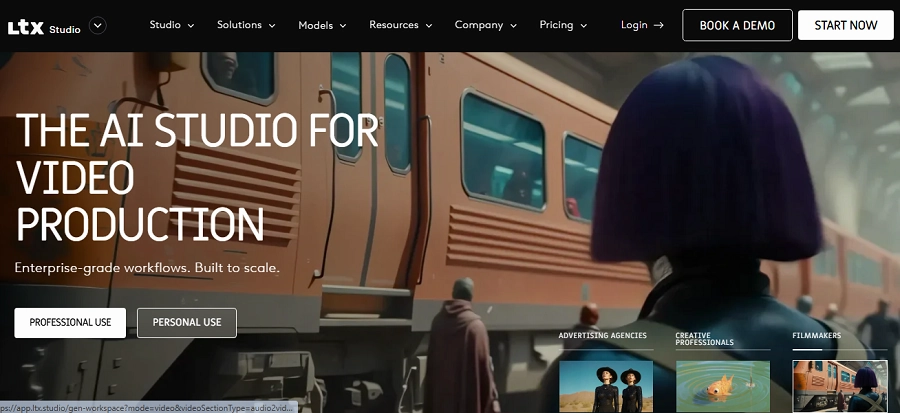
LTX Studio is an AI-driven multimedia creation platform designed to make video production simple, fast, and professional.
Users can generate videos from scripts, apply animations, integrate voiceovers, and produce branded content, all in a streamlined workflow.
Its main goal is to simplify the video production process. It provides AI-assisted editing tools, automated animations, and pre-designed templates so users can focus on creativity instead of technical hurdles.
Target Users:
- Social media marketers create daily content
- Educators producing online lessons
- Small businesses promoting products or services
- Marketing agencies managing client campaigns
- Influencers and content creators
LTX Studio is called that because it represents a Lightricks (LT) specialized eXperience, functioning as a comprehensive AI-driven Studio for filmmaking, storytelling, and video production.
Here is the breakdown of the name:
- LT (Lightricks): The platform is developed by Lightricks, a company known for photo and video editing applications like Facetune, Photoleap, and Videoleap.
- X (Experience/Experiment): Represents a new, experimental, or advanced experience in AI video generation that goes beyond simple editing, focusing on full-scene, consistent video generation.
With LTX Studio, users can produce visually appealing videos faster, maintain brand consistency, and scale content creation efficiently.
Key Features of LTX Studio
Here are the main features you can expect from LTX Studio:
- AI Video Generation: Turn scripts or text into animated, ready-to-publish videos automatically.
- Template Library: Thousands of professional templates across marketing, social media, education, and more.
- Custom Branding: Add logos, fonts, and color schemes for brand consistency.
- Text-to-Speech: Natural-sounding AI voiceovers in multiple languages.
- Scene Editing: Drag-and-drop interface for arranging video scenes.
- Music & Sound Effects: Built-in royalty-free music and SFX library.
- Collaboration Tools: Invite team members to edit and review projects in real-time.
- Export Options: Multiple formats optimized for social media, web, and presentations.
- Transitions & Effects: Smooth scene transitions, visual effects, and animations.
- Cloud Storage: Save projects in the cloud for anywhere access.
These features make LTX Studio suitable for a wide range of applications, including marketing campaigns, explainer videos, educational content, and social media posts.
Pricing Plans of LTX Studio
LTX Studio offers flexible plans for different needs:
| Plan | Price (Monthly) | Key Inclusions |
| Starter | $19 | Basic templates, up to 10 video exports, text-to-speech |
| Pro | $49 | Full template library, unlimited exports, team collaboration, HD video |
| Business | $99 | Advanced AI features, branding kits, priority support, 4K video exports |
Beginners or casual creators can start with the Starter plan, while Pro and Business plans are best for teams or professional creators needing advanced tools.
Pros and Cons of LTX Studio
Here are the advantages and disadvantages of Ltx Studio:
Pros of LTX Studio
- Intuitive, user-friendly interface
- AI-assisted content creation saves time
- Extensive template and asset library
- Team collaboration features
- Multiple export options
Cons of LTX Studio
- Some advanced features require higher-tier plans
- Limited free plan functionality
- High-resolution exports may take longer to process
Best LTX Studio Alternatives in 2026
Here’s a detailed look at the top LTX Studio alternatives, with full overviews, features, pros, and cons.
1. Runway
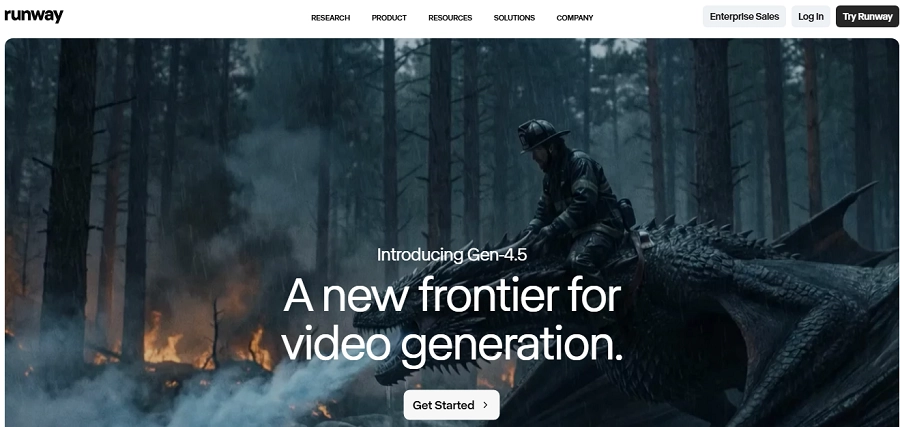
Runway is a powerful AI creative suite for video editors, designers, and teams. It combines AI video editing, image generation, motion graphics, and collaborative tools into one platform.
Runway excels at automation, letting users remove backgrounds, track objects, generate effects, and optimize content without advanced editing skills.
With integrations for Photoshop and After Effects, it’s perfect for professional teams managing complex projects, agencies, and content creators seeking efficiency without sacrificing quality.
Key Features of Runway
- AI video editing (object tracking, background removal)
- Text-to-video generation
- Motion graphics and visual effects
- Real-time collaboration
- Integration with Adobe Creative Suite
- Version control and project history
- High-resolution exports
- Auto-subtitling and captions
- AI-powered scene generation
Pricing of Runway
| Plan | Price | Key Features |
| Free | $0 | Basic editing, watermark exports |
| Creator | $15 | HD exports, AI tools, templates |
| Pro | $35 | Full feature access, priority support |
Pros of Runway
- Advanced AI editing capabilities
- Supports professional workflows
- Team collaboration enabled
- Broad software integrations
Cons of Runway
- Steep learning curve
- Some features need high-end hardware
2. Synthesia
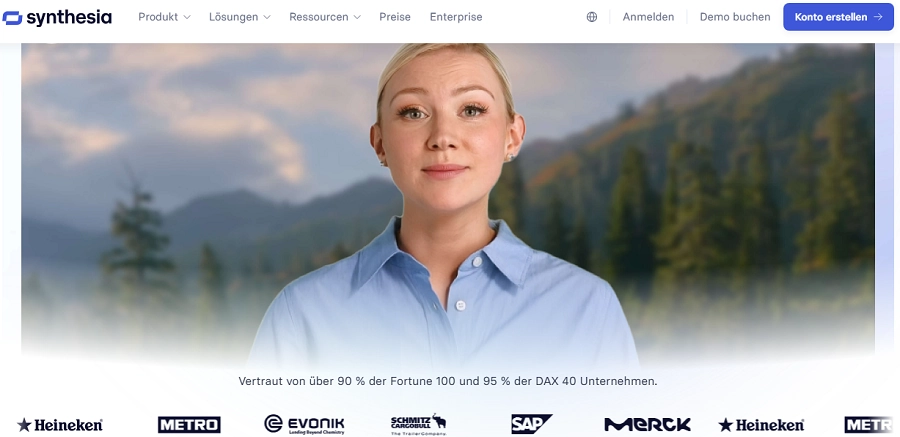
Synthesia is an AI video platform focused on avatars and text-to-video creation. Ideal for corporate training, e-learning, and marketing presentations, Synthesia allows users to generate videos from scripts without cameras or actors.
Users select avatars, type scripts, and produce multilingual videos with natural AI voiceovers. Its template library and global language support make it ideal for businesses producing scalable content across departments and regions.
Key Features of Synthesia
- AI avatars for video presentation
- Multilingual text-to-speech
- Template-based video creation
- Avatar appearance customization
- Automatic lip-sync with speech
- Video exports in multiple resolutions
- Branding with logos and colors
- Cloud-based project management
- Integration with PowerPoint and LMS
Pricing of Synthesia
| Plan | Monthly Price | Features |
| Starter | $30 | Limited video minutes |
| Creator | $89 | Custom branding |
| Enterprise | Custom | Custom avatars & API |
Pros of Synthesia
- Quick corporate or educational videos
- Natural AI voices
- Multi-language support
- Scalable for enterprise content
Cons of Synthesia
- Less creative freedom
- Limited scene customization
- Premium features can be costly
3. HeyGen
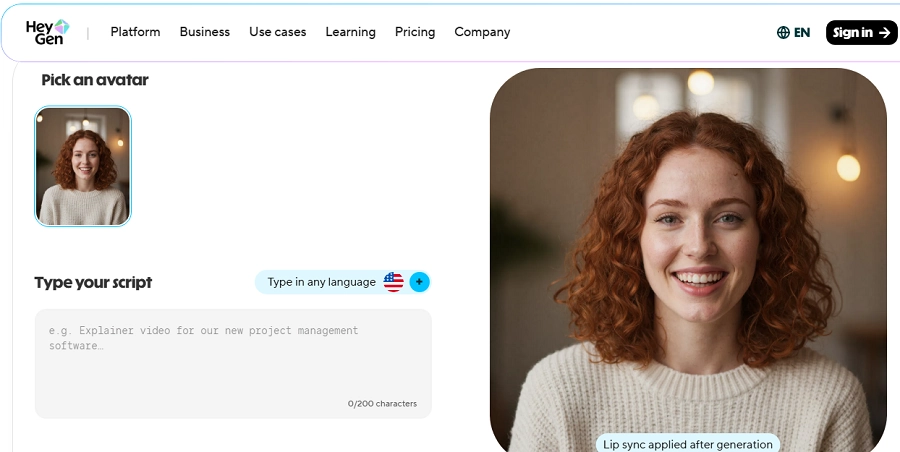
HeyGen is designed for script-to-video AI generation. It’s perfect for social media creators, marketers, and agencies needing fast, professional videos.
HeyGen lets users input scripts, generate realistic avatars, and produce videos with multilingual voiceovers. Its intuitive interface supports beginners while offering advanced options like scene editing and stock media integration.
HeyGen is especially useful for creating short-form marketing content, tutorials, or social media clips efficiently.
Key Features of HeyGen
- AI-generated avatars
- Script-to-video functionality
- Multilingual TTS voices
- Scene editing and transitions
- Custom avatars and backgrounds
- Stock media library
- Music and sound effects
- Cloud project management
- Team collaboration tools
Pricing of HeyGen
| Plan | Monthly Price | Features |
| Starter | $30 | Limited video minutes |
| Creator | $89 | Custom branding |
| Enterprise | Custom | Custom avatars & API |
Pros of HeyGen
- Fast video creation
- Natural voices
- Multilingual support
- Beginner-friendly
Cons of HeyGen
- Limited scene customization
- Advanced features require higher-tier plans
4. Kling AI
Kling AI is tailored for short-form videos, targeting TikTok, Instagram Reels, and YouTube Shorts. It automatically edits clips, applies trending effects, and optimizes videos for social media algorithms.
Marketers, influencers, and social creators benefit from trend-aware content production, turning long-form footage into viral-ready clips. Kling AI emphasizes speed, trend detection, and social engagement optimization.
Key Features of Kling AI
- Automated short-form editing
- Social media trend detection
- Scene optimization
- Captioning and subtitles
- Background music suggestions
- Filters and visual effects
- Multi-platform exports
- Engagement analytics
- Multi-editor collaboration
Pricing of Kling AI
| Plan | Monthly Price |
| Basic | $20 |
| Pro | $45 |
| Business | Custom |
Pros of Kling AI
- Optimized for social media
- Trend detection increases reach
- Quick video turnaround
- AI-assisted editing
Cons of Kling AI
- Limited for long-form content
- Fewer creative customization options
5. Pika
Pika is a team-focused video editor with AI-assisted suggestions. It enables multiple users to collaborate in real-time, making it ideal for marketing agencies and creative teams.
Pika provides automated recommendations for scenes, transitions, and content optimization, reducing manual editing.
Its cloud-based storage ensures projects are accessible from anywhere, helping teams produce consistent, high-quality videos at scale.
Key Features of Pika
- Real-time collaboration
- AI-assisted scene and content suggestions
- Cloud project storage
- Trimming and transitions
- Stock media library
- Branding customization
- Export in multiple resolutions
- Auto-captions
- Version control
Pricing of Pika
| Plan | Monthly Price |
| Basic | $20 |
| Pro | $45 |
| Business | Custom |
Pros of Pika
- Ideal for teams
- Cloud-based access
- AI editing suggestions
- Supports multi-user projects
Cons of Pika
- Smaller template library
- Limited individual customization
6. InVideo IO

InVideo IO is a template-driven AI video editor for marketers, educators, and small businesses. It simplifies video creation with text-to-video features, automated voiceovers, and stock media integration.
Users can transform blogs, tutorials, and scripts into polished videos. While beginner-friendly, it also provides advanced features like animations, voiceovers, and team collaboration, making it versatile for multiple content types, including social media campaigns and marketing videos.
Key Features of InVideo IO
- Template-based editing
- AI text-to-video conversion
- Automated voiceovers
- Stock video/image library
- Branding customization
- Animations and transitions
- Trimming and cropping tools
- Collaboration for teams
- Multi-resolution exports
Pricing of InVideo IO
| Plan | Monthly Price |
| Starter | $25 |
| Team | $59 |
| Enterprise | Custom |
Pros of InVideo IO
- Beginner-friendly
- Affordable pricing
- Quick content creation
- Large stock library
Cons of InVideo IO
- UI can feel cluttered
- Fewer advanced AI editing tools
7. Pictory AI
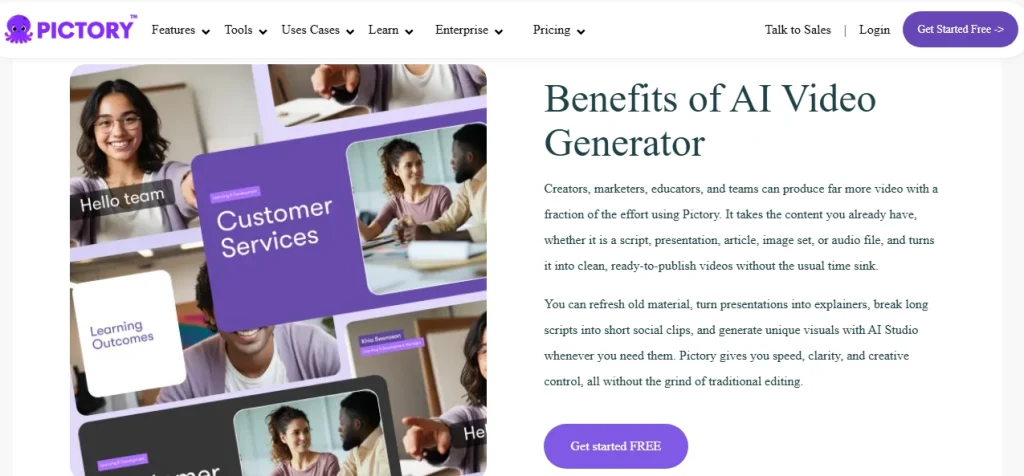
Pictory AI focuses on repurposing long-form content into short, shareable videos. It automatically summarizes webinars, blogs, or podcasts and adds captions, trimming scenes for social media-ready clips.
Cloud-based access makes it easy to edit and share projects anywhere, saving time while maximizing content value.
Pictory AI is ideal for businesses and creators who want to leverage existing content efficiently without extensive video editing expertise.
Key Features of Pictory AI
- Long-form content summarization
- Auto-captioning
- Scene selection and trimming
- Social media-optimized exports
- Stock media integration
- Cloud editing and storage
- Text-to-speech voiceovers
- Branding options
- Video previews
Pricing of Pictory AI
| Plan | Monthly Price |
| Free | $0 |
| Plus | $15 |
| Max | $30 |
Pros of Pictory AI
- Great for content repurposing
- Quick automated creation
- Cloud access
- Easy to use
Cons of Pictory AI
- Limited creative control
- Fewer templates
8. PixVerse
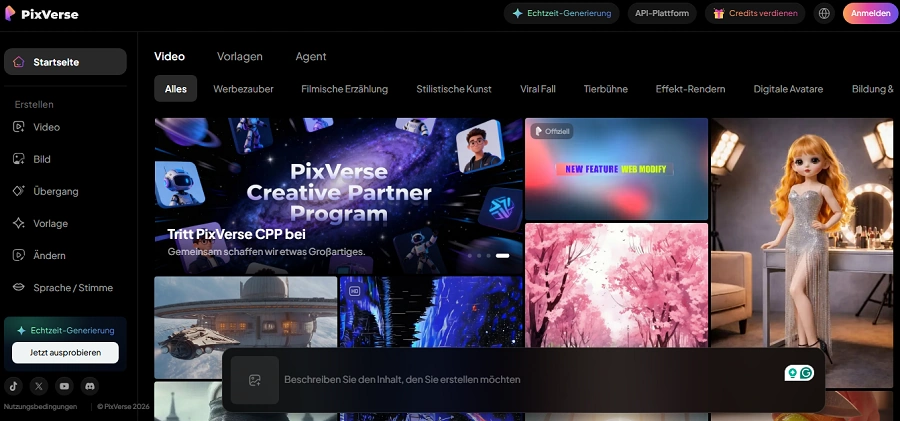
PixVerse provides AI-powered visual and video generation, catering to marketers, social media managers, and creative professionals.
Its AI assists with layout, animation, and optimization, allowing users to produce professional visuals quickly.
With multilingual support, template customization, and stock integration, PixVerse is versatile for marketing campaigns, social media, and interactive content.
Key Features of PixVerse
- AI-generated visuals and videos
- Customizable templates
- Multilingual TTS
- Animation effects and transitions
- Music and SFX library
- Stock media integration
- Scene/layout optimization
- Branding customization
- Multi-resolution export
Pricing of PixVerse
| Plan | Monthly Price |
| Starter | $29 |
| Pro | $59 |
| Enterprise | Custom |
Pros of PixVerse
- Versatile AI content creation
- Quick professional results
- Multilingual support
- Marketing campaign friendly
Cons of PixVerse
- Focused more on visuals than full video editing
- Smaller support community
9. Luma AI
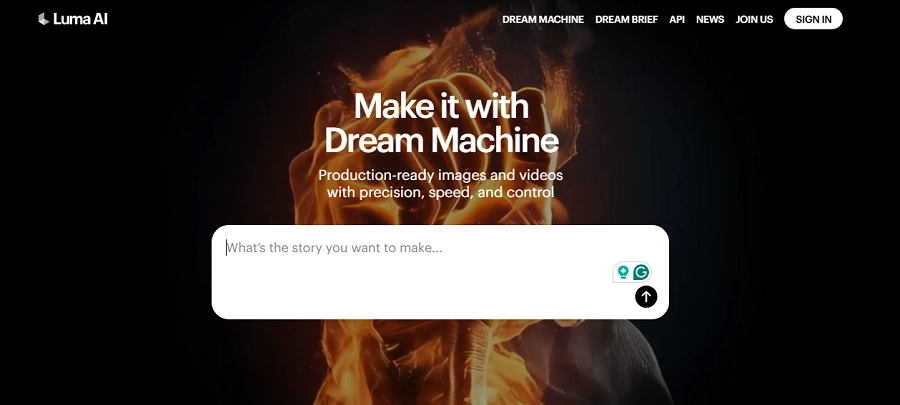
Luma AI excels in 3D content creation and realistic rendering, aimed at designers, game developers, and immersive media creators. Users can generate 3D models, reconstruct scenes, and produce photorealistic visuals.
Luma AI integrates with tools like Blender and Unreal Engine, offering professional-grade results for VR/AR projects, product demos, and interactive media. Though it has a steeper learning curve, it’s invaluable for creators requiring high-quality 3D output.
Key Features of Luma AI
- AI 3D modeling
- Scene reconstruction
- Realistic rendering
- Integration with design tools
- Lighting and shading optimization
- VR/AR export
- Collaborative project sharing
- Cloud-based rendering
- Customizable 3D assets
Pricing of Luma AI
| Plan | Monthly Price |
| Starter | $29 |
| Pro | $59 |
| Enterprise | Custom |
Pros of Luma AI
- High-quality 3D visuals
- Professional-grade tools
- Suitable for VR/AR
- Advanced AI modeling
Cons of Luma AI
- Steep learning curve
- High-end hardware recommended
10. Sora
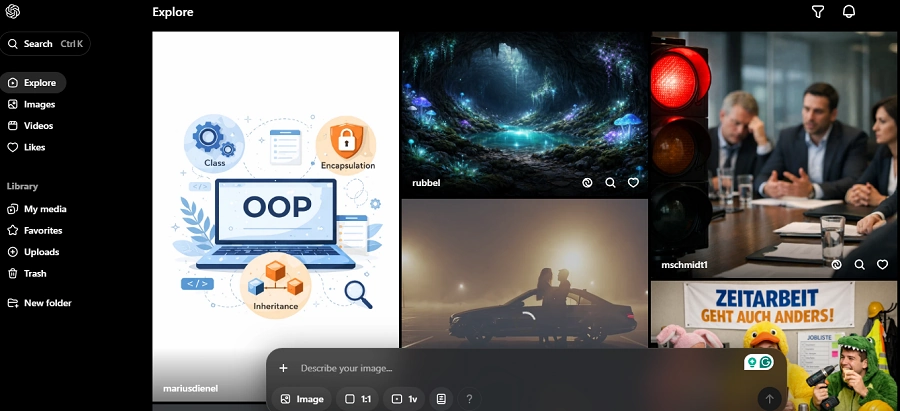
Sora is an AI-powered video and audio editing platform for creators and small teams. It provides AI suggestions, audio cleaning, and automated editing, allowing users to produce polished content quickly.
Template-based editing and multi-resolution exports make it perfect for social media, marketing, and educational videos. Sora emphasizes speed, ease, and optimization, helping users save time while maintaining quality.
Key Features of Sora
- AI video suggestions
- Audio cleaning and voice enhancement
- Template-based editing
- Multi-resolution exports
- Background music and SFX
- Auto-captions/subtitles
- Branding customization
- Scene transitions and effects
- Cloud project management
Pricing of Sora
| Plan | Monthly Price |
| Individual | $29 |
| Pro | $79 |
| Enterprise | Custom |
Pros of Sora
- Fast video production
- AI-assisted optimization
- Easy-to-use templates
- Audio/video enhancement
Cons of Sora
- Smaller template library
- Limited advanced AI features
Final Thoughts
In 2026, LTX Studio stands out as a user-friendly, AI-assisted video creation platform. Its template library, AI tools, and collaboration features make it ideal for marketers, educators, influencers, and small businesses seeking fast, professional content.
| Platform | Best For | AI Editing | Templates | Team Collab | Starting Price |
|---|---|---|---|---|---|
| LTX Studio | Marketers & SMBs | ✅ | ✅ | ✅ | $19 |
| Runway | Pro editors | ✅ Advanced | ⚠️ Limited | ✅ | $0 |
| Synthesia | Corporate training | ⚠️ Basic | ✅ | ✅ | $30 |
| HeyGen | Marketing videos | ⚠️ Moderate | ✅ | ✅ | $0 |
| Kling AI | Viral short videos | ✅ Social AI | ⚠️ Basic | ⚠️ Limited | $20 |
| Pika | Agencies | ✅ AI assist | ⚠️ Medium | ✅ Strong | $25 |
| InVideo IO | Beginners | ⚠️ Basic | ✅ Large | ⚠️ Limited | $0 |
| Pictory AI | Repurposing content | ✅ Auto summary | ⚠️ Basic | ⚠️ Limited | $19 |
| PixVerse | Visual marketing | ✅ | ⚠️ Medium | ⚠️ Limited | $29 |
| Luma AI | 3D creators | ⚠️ Specialized | ❌ | ⚠️ Limited | $29 |
| Sora | Fast optimization | ✅ | ⚠️ Medium | ⚠️ Limited | $19 |
- Choose LTX Studio for all-in-one simplicity and efficiency.
- Pick alternatives like Runway, Synthesia, or Luma AI if you need specialized AI editing, avatar creation, or 3D content.
- For short-form social media content, Kling AI or HeyGen are excellent options.
FAQs
Yes. Its drag-and-drop interface and ready-made templates make it suitable for beginners, while advanced users can leverage AI tools.
Yes, real-time collaboration is supported, making it easy for multiple editors to work together.
Yes, the Starter plan and occasional free trials allow users to explore basic features.
LTX Studio is more versatile for general video creation, while Synthesia specializes in AI avatars and corporate training content.
Absolutely. Export options are optimized for platforms like Instagram, TikTok, YouTube, and LinkedIn.