

Wanna watch new movies without payment?
You hop online and discover a website promising “free movies and TV shows, no sign‑up, no payment.” For many, that promise is irresistibly appealing. That’s essentially the appeal of GoMovies: free, on‑demand entertainment at your fingertips.
But behind the convenience lies a tangled web of legal uncertainty, security risks, and unstable availability.
In this post, we’ll dig deep into what GoMovies is (and once was), how it works, and whether it’s “worth it.”
Then, we’ll explore 20 of the best GoMovies alternatives available in 2025, including both free and paid, legal and safer services.
By the end, you’ll have a clear sense of whether you should stick with GoMovies or steer clear and opt for better, safer options.
What Is GoMovies?
GoMovies originated as part of a broader lineage of streaming‑index websites, often grouped with names like 123Movies or GoStream.
123Movies, often associated with GoMovies, was based in Vietnam and, at its peak, was described by the motion‑picture industry as “the world’s most popular illegal site.”
While 123Movies was shut down in 2018 following criminal investigations, GoMovies and similar mirror/spin‑off sites resurfaced multiple times under different domains.
The core idea behind GoMovies: index links to movies and TV shows, stored on external “third‑party” servers, and presents them via embedded players, without charging users a dime or requiring registration.
At its peak, GoMovies attracted millions of monthly users worldwide. Its appeal was especially strong in regions where legitimate streaming services were expensive, unavailable, or lacked localized content.
Typical usage scenarios included:
- Watching latest releases: many people sought newly released films or shows that might not yet be on licensed platforms.
- Discovering older or niche films: GoMovies often hosted obscure international, indie, cult, or “hard‑to‑find” titles.
- No‑strings entertainment: no registration, no subscription, often no mandatory login; just click and watch.
In many ways, GoMovies helped popularize “instant binge‑watching” in a generation used to on‑demand streaming.
Its large, eclectic catalogue and low barrier-to-entry gave it a wide reach, especially among younger or price-sensitive viewers.
GoMovies Features
Here’s a breakdown of what people look for (or expect) when they visit GoMovies, and how well the platform delivers (or fails to deliver).
Free access / No registration
Users can stream content without paying or signing up, a major draw, especially where paid subscriptions are expensive.
Large Content Library
Movies, TV shows, classic films, indie titles, and international cinema, often more diverse than mainstream platforms.
Ease of use / Simple UI
In many iterations, the interface remains minimal: browse, pick a title, click play, with no account needed.
Multiple streaming servers / Embedded players
Content is hosted on third-party servers; multiple mirrors often exist to bypass downtime or takedowns.
Varied video quality (SD → HD / occasional 4K)
Some titles are labeled as HD or “high quality.” Rarely, high‑quality 4K files appear, but often with buffering or fake “HD” labels.
No official support / Unstable availability
The site frequently changes domains, gets blocked, or goes offline. Users often rely on VPNs, proxies, or mirror sites.
Pros & Cons of GoMovies
Here’s a balanced look, what worked (and still appeals) and what major drawbacks come with using GoMovies.
Pros of GoMovies
- Free and easy access. No subscription fees, no account needed, instant playback.
- Very wide selection. Mainstream blockbusters, cult classics, international movies, TV series, old and new. Great for discovering titles not available elsewhere.
- No sign-up friction. Great for users who dislike subscriptions or sharing credit‑card info.
- Cross‑device access. Works on desktops, mobile browsers, and sometimes “unofficial” APKs for Android/Fire TV.
- A large variety of formats and languages. Many movies/shows with subtitles/dubbing often include foreign-language films that may not be on licensed platforms.
Cons of GoMovies
- Legal and copyright issues. GoMovies streams or links to unlicensed content; in most countries, this is illegal.
- Security and privacy risks. Ad‑networks, pop-ups, fake play/download buttons; danger of malware, phishing, device or data compromise.
- Unstable availability. Domains shift, sites get blocked, mirror sites may be fake or dangerous. Users often must use VPNs or proxies.
- Variable streaming quality. Many “HD” labels are misleading. Buffering, broken links, removed content, and low-res streams are common.
- No support or reliability. No legal protection, no customer support, no guarantee video stays online, and content can disappear at any time.
20 Best GoMovies Alternatives in 2025
Here are the best alternatives to GoMovies:
1. Tubi TV
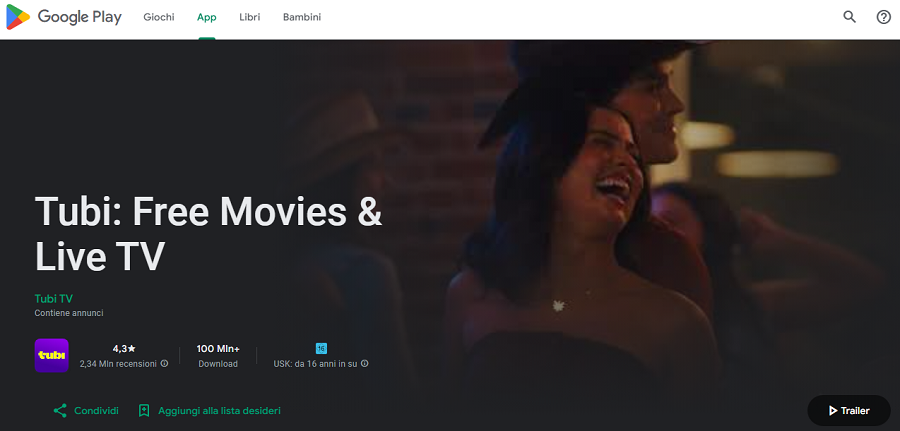
Tubi TV is a completely free, ad-supported streaming service that has become one of the most popular legal alternatives to GoMovies.
Launched in 2014 and acquired by Fox in 2020, Tubi focuses on offering a large catalog of movies and TV shows, spanning blockbuster hits, indie films, classics, and international content.
Users appreciate Tubi for its no-signup access, intuitive interface, and cross-platform compatibility, which allows streaming on web browsers, smartphones, tablets, smart TVs, and streaming devices like Roku or Fire TV.
Tubi also includes curated collections and personalized recommendations, making it easy to discover hidden gems.
Features of Tubi TV
- Extensive Content Library: Thousands of titles across genres, including action, comedy, drama, horror, documentaries, and anime.
- Personalized Recommendations: AI-driven suggestions based on viewing habits.
- Cross-Device Streaming: Supports Android, iOS, web, Roku, Apple TV, and smart TVs.
- No Sign-Up Required: Optional accounts allow creating watchlists.
- High-Quality Streaming: Most titles available in HD.
Pricing Plans of Tubi TV
| Plan | Cost | Features |
| Free | $0 | Ad-supported, unlimited streaming, optional registration for watchlists |
Pros of Tubi TV
✅ Fully legal and licensed.
✅ Free with no hidden costs.
✅ Large, diverse content library including international films.
✅ Easy-to-use interface and strong device support.
✅ Personalized recommendations enhance discovery.
Cons of Tubi TV
❌ Ads can interrupt viewing frequently.
❌ Limited access to newly released blockbusters.
❌ Some content may be geo-restricted.
2. Popcornflix
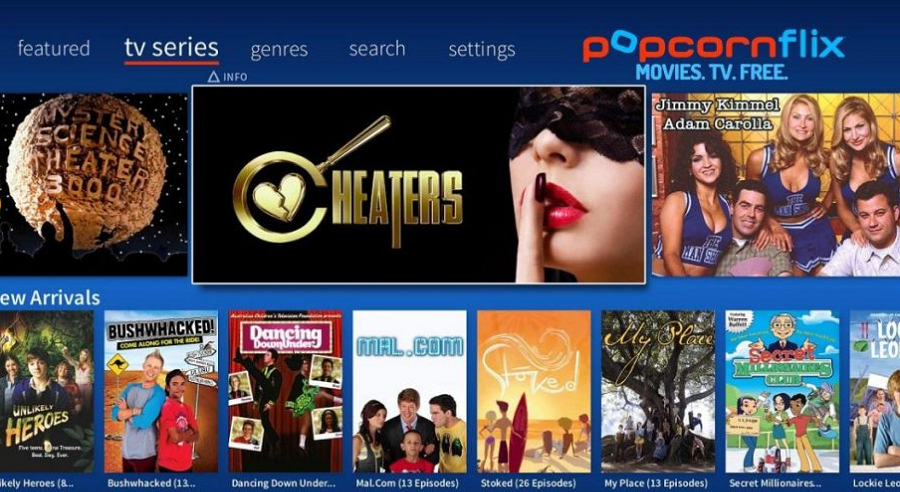
Popcornflix is a free streaming platform designed for viewers who want easy access to movies and TV shows without a subscription.
Established in 2010, it focuses on independent and older films, as well as family-friendly and classic titles, making it ideal for niche audiences.
Popcornflix works on web browsers, mobile devices, and smart TVs, and does not require an account for streaming.
Its simple interface ensures that users can jump straight into watching movies, while curated categories make content discovery easy.
Features of Popcornflix
- Wide Movie Selection: Indie films, classic cinema, foreign-language titles, and family content.
- Simple User Interface: Minimal navigation for fast access.
- Cross-Platform Compatibility: Mobile apps, web, smart TVs.
- No Registration Required: Immediate streaming for anyone.
- Occasional Original Content: Limited original series and films.
Pricing Plans of Popcornflix
| Plan | Cost | Features |
| Free | $0 | Ad-supported streaming, unlimited access, no sign-up |
Pros of Popcornflix
✅ Free and fully legal.
✅ Easy access without creating an account.
✅ Large library of indie and classic films.
✅ Cross-device support.
Cons of Popcornflix
❌ Frequent ad interruptions.
❌ Limited selection of new releases.
❌ Video quality may vary across titles.
3. Plex
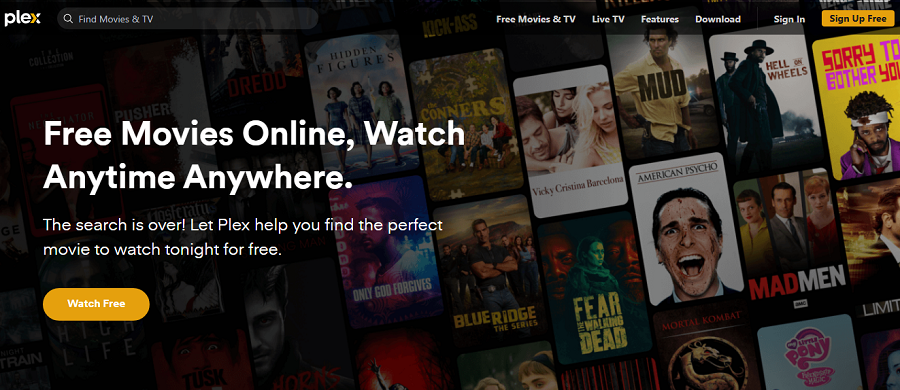
Plex started as a media server platform but has evolved into a freemium streaming service offering both free movies and TV shows alongside personal media library management.
The free section includes thousands of licensed films and series across genres, from action and comedy to documentaries and foreign films.
Plex also integrates personal media streaming, so users can consolidate their own content alongside free, licensed content.
Available on nearly every platform, including mobile devices, smart TVs, web, and streaming devices, Plex is ideal for users looking for a legal and versatile streaming solution.
Features of Plex
- Free Movies & TV: Ad-supported library with thousands of titles.
- Personal Media Library Integration: Combine personal media with free content.
- Cross-Device Streaming: Android, iOS, web, smart TVs, Roku, Fire TV.
- HD Streaming and Optional Registration: Optional Plex account for progress tracking.
- Premium Features: Offline downloads and DVR options with Plex Pass.
Pricing Plans of Plex
| Plan | Cost | Features |
| Free | $0 | Ad-supported content, unlimited streaming |
| Plex Pass | $4.99/month or $119.99/year | Offline downloads, DVR, enhanced features |
Pros of Plex
✅ Legal and reliable content.
✅ Works across almost all devices.
✅ Free section offers a substantial content library.
✅ Integration with personal media.
Cons of Plex
❌ Ads present in free content.
❌ Premium features require a paid subscription.
❌ Latest releases are limited.
4. Pluto TV
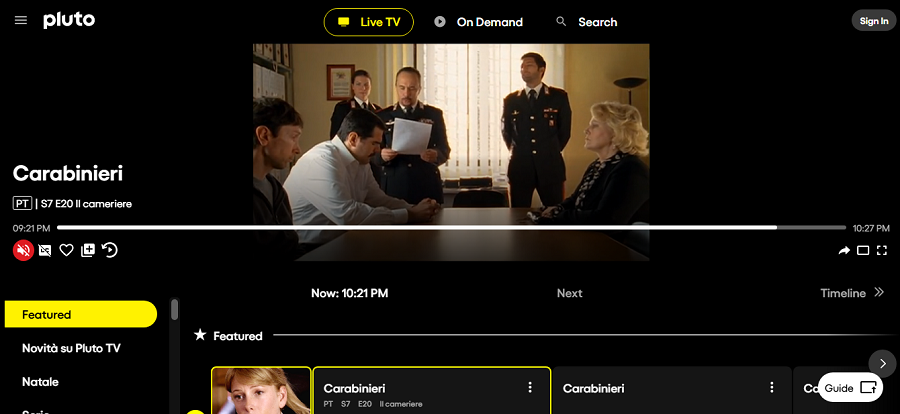
Pluto TV is a free, ad‑supported streaming service that offers both live TV‑style channels and on‑demand movies and series.
Owned by Paramount, it has grown into one of the most popular “FAST” (Free Ad‑Supported Streaming Television) platforms worldwide, offering a broad selection of content, from films to series, reality shows, and even live‑channel programming.
It works on smartphones, web browsers, smart TVs, and streaming devices, making it accessible without subscription or credit‑card details.
Features of Pluto TV
- Live‑style “channels” streaming (like traditional TV) + on‑demand catalog of films/series.
- No registration required (optional account for personalization).
- Works across devices, web, mobile, Smart TVs, streaming sticks/boxes.
- Regularly updated catalog: older films, classic series, niche genres.
Pricing Plans of Pluto TV
| Plan | Cost | Features |
| Free | €0 / $0 | Ad‑supported, full access to live channels + on‑demand catalog |
Pros of Pluto TV
✅ Fully legal and licensed, no piracy, no copyright issues.
✅ Totally free, no subscription, no card needed.
✅ Offers live‑TV‑style channels and on‑demand movies/series, good for variety.
✅ Accessible on multiple devices and platforms.
Cons of Pluto TV
❌ Content catalog tends toward older movies/shows; newest releases are rare.
❌ Frequent ads interrupt viewing (as it’s ad-supported).
❌ Some content may not be available in all countries (geo‑restrictions).
5. Crackle
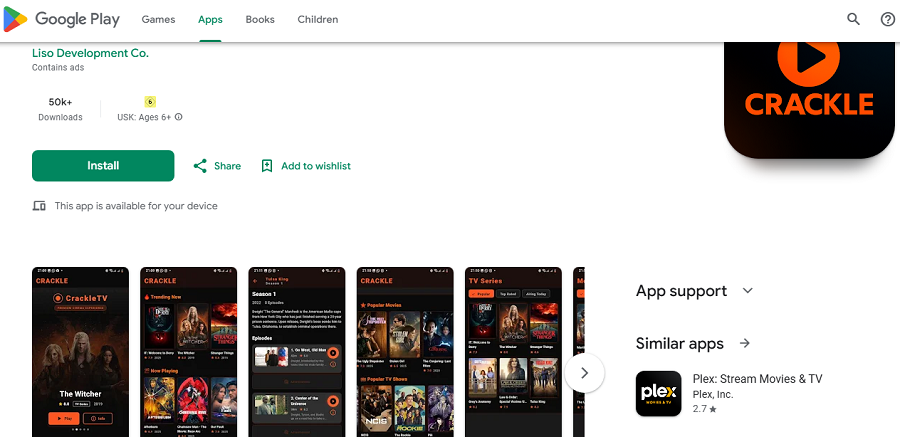
Crackle is another long-standing free, ad‑supported streaming service offering movies and TV series, both older classics and some more recent titles.
Crackle’s appeal lies in its simplicity: users can stream without paying or creating an account. Of course, an account gives some perks.
It’s often highlighted among legal free‑streaming options, especially for those who want a simple, no‑commitment way to watch films.
Features of Crackle
- Free library of licensed movies and TV shows with ads.
- Cross‑platform support: web, mobile apps, smart TVs/streaming devices
- No subscription or payment required, accessible globally (with exceptions) depending on the region.
Pricing Plans of Crackle
| Plan | Cost | Features |
| Free | €0 / $0 | Ad‑supported streaming catalog |
Pros of Crackle
✅ Free and legal, avoids any piracy or copyright issues.
✅ No registration required (though an optional account can help).
✅ Handy for casual viewers who want movies/series without long-term commitments.
Cons of Crackle
❌ Ads can be intrusive.
❌ Catalog is limited, no guarantee of recent blockbuster releases.
❌ Regional licensing may limit content availability depending on where you are.
6. Kanopy
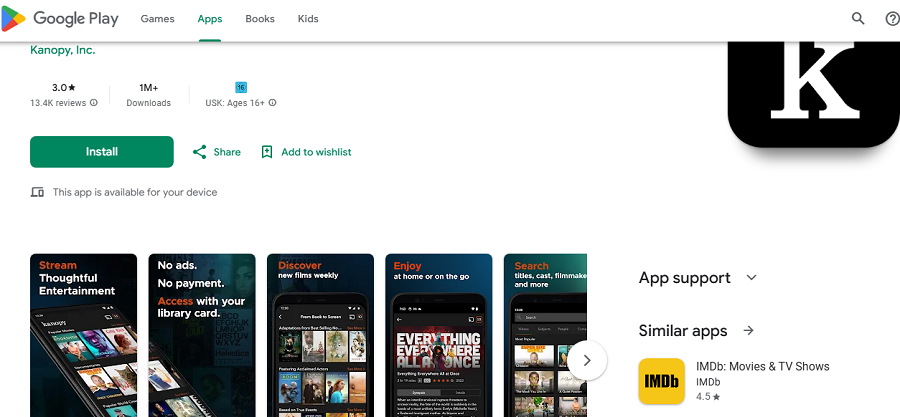
Kanopy is a library‑powered streaming service, meaning it gives access to movies, documentaries, indie films, and sometimes educational content, via partnerships with public libraries or universities.
For people with a participating library card, it becomes a powerful resource to legally stream niche cinema, classics, documentaries, and indie works, a nice alternative compared to mainstream commercial streaming platforms.
Features of Kanopy
- Access requires a valid library/university card (or institutional access), but then streaming is free.
- The catalog focuses on indie films, foreign cinema, documentaries, and classics, often overlooked by big streaming services.
- Streaming via web browsers or supported devices, passed through the library’s digital service.
Pricing Plans of Kanopy
| Plan | Cost | Features |
| Free (with library card) | €0 / $0 | Ad‑free streaming of the full catalog |
Pros of Kanopy
✅ Fully legal, licensed, and often ad‑free.
✅ Great for cinephiles, access to niche, indie, documentary, and classic films.
✅ Encourages cultural and educational streaming rather than just commercial blockbusters.
Cons of Kanopy
❌ Requires library/university membership, not universally available.
❌ Catalog depends on the library’s licensing, which may vary a lot between users.
❌ Not suited if you want mainstream blockbusters or latest releases.
7. Hoopla
Hoopla works similarly to Kanopy: it’s a digital media service tied to public libraries, offering subscribers movies, documentaries, sometimes audiobooks, comics, and music.
For users whose local libraries support Hoopla, it provides a legal, cost‑free (aside from library membership) streaming experience.
It’s particularly appealing for families, documentary fans, or those looking for diverse media beyond just mainstream films.
Features of Hoopla
- Access through participating libraries → need a valid library card or library account.
- Offers movies, documentaries, sometimes eBooks/comics/music, a broader media offering.
- Streaming via web, mobile, or supported devices, often with ad-free or library‑supported playback.
Pricing Plans of Hoopla
| Plan | Cost | Features |
| Free (with library account) | €0 / $0 | Access to the media catalog depends on library licensing |
Pros of Hoopla
✅ Fully legal and licensed.
✅ Great for families or those seeking documentaries, indie films, or diverse media beyond just movies.
✅ Often ad‑free or minimal ads (depends on library).
Cons of Hoopla
❌ Availability depends heavily on library participation, may not be accessible to all.
❌ The catalog can be limited depending on region and licensing.
❌ Not ideal for the latest blockbusters or mainstream new releases.
8. Rakuten TV
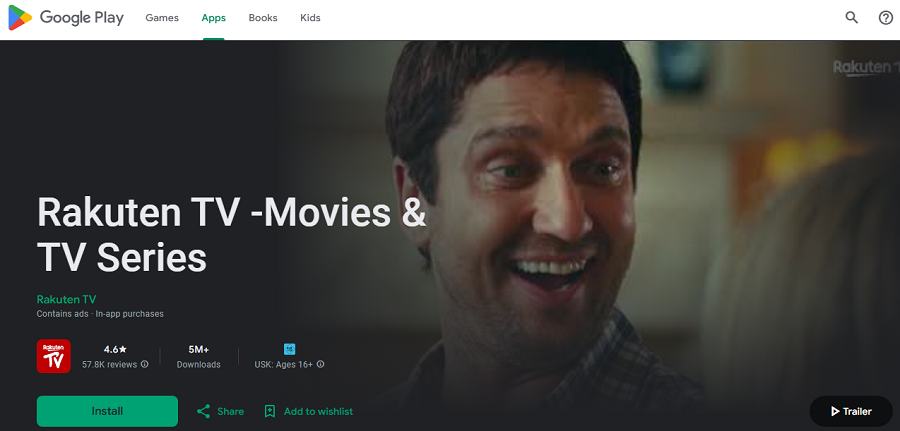
Rakuten TV is a streaming platform that mixes free, ad‑supported content (movies/series made available for free with ads) with rental and purchase options for more recent films or premium content.
It’s popular in many European countries (including Italy) and supports streaming via web, mobile, and smart TVs.
This hybrid model makes it a flexible choice: you can enjoy free content when available, or pay a one‑time fee for new releases without committing to a subscription.
Features of Rakuten TV
- “Free” section with ad‑supported movies and sometimes series.
- Rental/purchase (TVOD) model: pay per film or show if you want the latest releases or premium content.
- Works on web, mobile devices, Smart TVs, and common streaming platforms/devices.
- Catalog spans classic movies, mainstream films, European and international content, including genre variety.
Pricing Plans of Rakuten TV
| Plan / Option | Cost | Features |
| Free (ad-supported section) | €0 | Streaming of selected free films/shows with ads |
| Rental / Purchase (TVOD) | Varies per item (e.g., ~0.90 € for rentals) | Pay‑per‑view for newer/premium titles in SD/HD/4K |
Pros of Rakuten TV
✅ Flexibility: you can watch for free or pay only when you want new releases, no subscription lock-in.
✅ Legal and licensed content supports creators and distributors properly.
✅ Good for occasional viewers or when you want the latest film without a full subscription.
✅ Available in many European countries (likely accessible in Italy).
Cons of Rakuten TV
❌ Free content library is smaller and often older; you may need to pay for many desirable titles.
❌ Rental/purchase cost per item can add up if you watch often.
❌ Ad interruptions in free content; pay‑per‑view may limit how long you can keep a rental (depending on the film).
9. Netflix
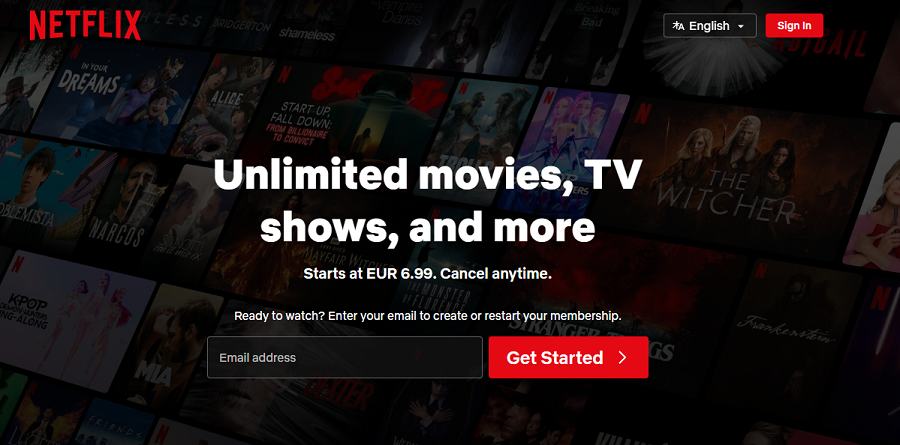
Netflix is the world’s largest subscription-based streaming platform, offering a vast catalog of movies, TV shows, documentaries, and original content.
Founded in 1997 as a DVD rental service and pivoting to streaming in 2007, Netflix revolutionized on-demand entertainment.
With original productions like Stranger Things, The Crown, and The Witcher, Netflix has become a global leader in high-quality streaming content.
It works on nearly every device: web, smartphones, tablets, smart TVs, and streaming devices.
Features of Netflix
- Huge library of licensed movies, TV shows, and Netflix Originals.
- HD and 4K Ultra HD streaming.
- Personalized recommendations using AI algorithms.
Multi-device support with offline downloads. - Multiple user profiles per account.
Pricing Plans of Netflix
| Plan | Cost | Features |
| Basic | $9.99/month | SD streaming, 1 device, no downloads |
| Standard | $15.99/month | HD streaming, 2 devices, downloads |
| Premium | $19.99/month | 4K Ultra HD, 4 devices, downloads |
Pros of Netflix
✅ High-quality licensed content and Originals.
✅ Available worldwide on multiple devices.
✅ Personalized recommendations and multiple profiles.
✅ Consistent HD/4K streaming and offline downloads.
Cons of Netflix
❌ Subscription cost may be high for some users.
❌ New releases may be delayed due to licensing.
❌ Regional content restrictions apply.
10. Disney+
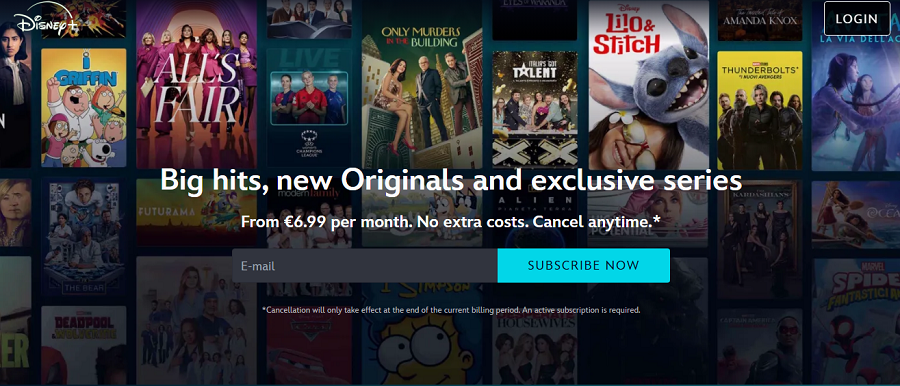
Disney+ is Disney’s official streaming platform, offering movies and TV shows from Disney, Pixar, Marvel, Star Wars, National Geographic, and more.
Launched in 2019, it quickly became a top choice for family-friendly and franchise content. Disney+ emphasizes high-quality streaming and original content, including series like The Mandalorian and Loki.
Available on mobile, web, smart TVs, and streaming devices, it also supports multiple user profiles and parental controls.
Features of Disney+
- Exclusive Disney, Marvel, Pixar, Star Wars, and National Geographic content.
- High-quality 4K Ultra HD streaming with Dolby Vision/Dolby Atmos.
- Multiple profiles and parental controls.
- Offline downloads for mobile viewing.
- Cross-device compatibility (web, mobile, smart TVs, consoles).
Pricing Plans of Disney+
| Plan | Cost | Features |
| Standard | $8.99/month | HD streaming, 4 profiles, unlimited downloads |
| Annual | $89.99/year | HD streaming, 4 profiles, unlimited downloads |
Pros of Disney+
✅ Licensed, family-friendly content and exclusive originals.
✅ High-quality 4K streaming with Dolby support.
✅ Supports multiple devices and profiles.
✅ Reliable, legal streaming platform.
Cons of Disney+
❌ Limited to Disney-owned content, with less variety outside franchises.
❌ Requires subscription.
❌ Regional content availability may vary.
11. Amazon Prime Video
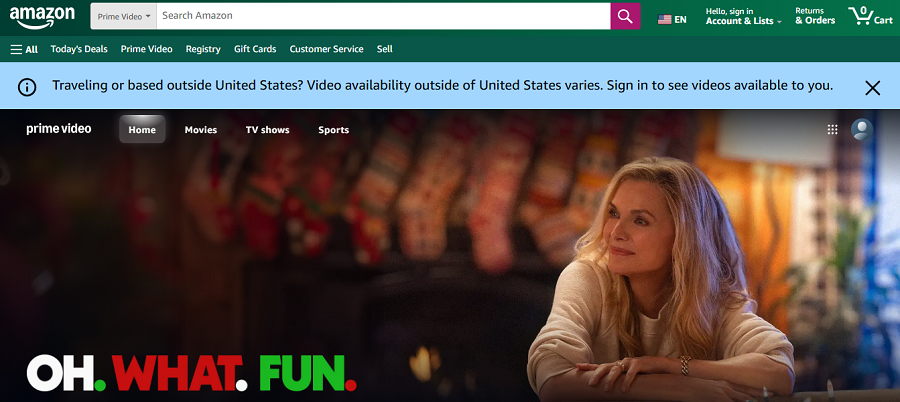
Amazon Prime Video is a subscription-based streaming platform included with an Amazon Prime membership.
It provides a wide array of movies, TV shows, and Amazon Originals, such as The Boys and The Lord of the Rings: The Rings of Power.
Available globally, it offers HD and 4K Ultra HD content, offline downloads, and multiple device support. Users can also rent or buy content not included in the subscription catalog.
Features of Amazon Prime Video
- Large catalog of movies, TV shows, and Amazon Originals.
- HD/4K Ultra HD streaming with Dolby Vision/Dolby Atmos.
- Multi-device compatibility, offline downloads, and multiple profiles.
- Rental and purchase options for content outside the subscription.
- X-Ray feature providing cast info, trivia, and scene navigation.
Pricing Plans of Amazon Prime Video
| Plan | Cost | Features |
| Prime Video | $8.99/month | Access to the full Prime Video catalog |
| Amazon Prime (includes Video) | $14.99/month or $139/year | Prime benefits + Video, shipping perks, music, and more |
Pros of Amazon Prime Video
✅ Large, licensed content library including originals.
✅ High-quality streaming and offline downloads.
✅ Rental/purchase flexibility for additional titles.
✅ Multi-device compatibility.
Cons of Amazon Prime Video
❌ The user interface can be less intuitive compared to competitors.
❌ Some titles may require additional purchase.
❌ Regional content restrictions apply.
12. Shudder
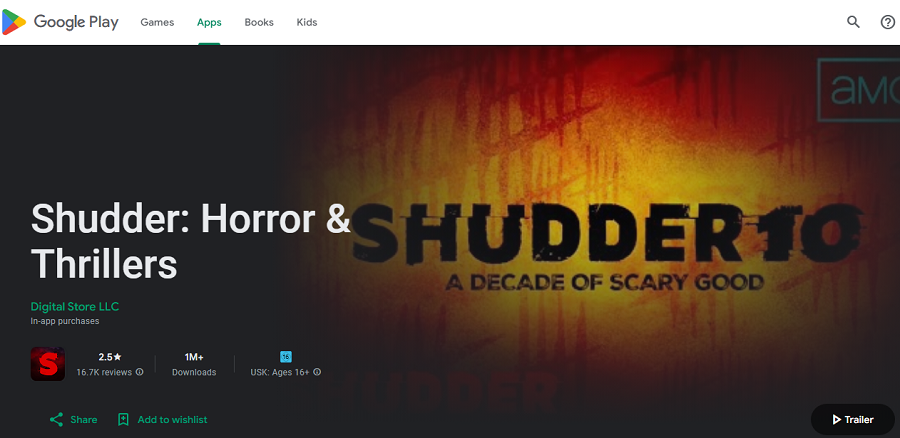
Shudder is a subscription-based streaming service focused exclusively on horror, thriller, and supernatural genres.
Owned by AMC Networks, Shudder appeals to fans seeking curated, high-quality scary content, including films, series, and exclusive originals.
Available on web, mobile, and smart TVs, Shudder also supports offline downloads and curated collections for easier content discovery.
Features of Shudder
- Extensive horror, thriller, and supernatural content library.
- Original series and films exclusive to the platform.
- Offline downloads for mobile viewing.
- Curated collections for easier discovery.
- Multi-device streaming support.
Pricing Plans of Shudder
| Plan | Cost | Features |
| Monthly | $5.99/month | Full access to the Shudder library |
| Annual | $56.99/year | Full access with savings |
Pros of Shudder
✅ Specialized content for horror enthusiasts.
✅ Licensed, legal content.
✅ Offline downloads and curated collections.
✅ High-quality streaming.
Cons of Shudder
❌ Limited to horror/thriller genres, not suitable for general audiences.
❌ Requires subscription.
❌ Smaller library than mainstream platforms.
13. Crunchyroll
Crunchyroll is a streaming platform specializing in anime, manga, and Asian content, with a focus on simulcasts of new episodes from Japan.
Established in 2006, it’s one of the largest legal anime services worldwide, providing HD streaming, multiple device support, and an optional premium subscription for ad-free viewing and early access to episodes.
Crunchyroll is ideal for anime fans seeking legal, licensed content with regular updates.
Features of Crunchyroll
- Huge catalog of anime, OVAs, and simulcast episodes.
- Subtitled and dubbed content options.
- Premium ad-free streaming with early access to new episodes.
- Multi-device support, including web, mobile, smart TVs, and consoles.
- Community features and curated recommendations.
Pricing Plans of Crunchyroll
| Plan | Cost | Features |
| Free | $0 | Ad-supported access to selected content |
| Premium | $9.99/month | Ad-free, HD streaming, early access to new episodes |
| Premium+ | $14.99/month | Ad-free, HD/4K, offline downloads, early access |
Pros of Crunchyroll
✅ Legal and licensed anime streaming.
✅ Large and frequently updated content library.
✅ Multi-device support and HD/4K quality.
✅ Community engagement and curated recommendations.
Cons of Crunchyroll
❌ Free tier includes ads.
❌ Some titles are limited to premium subscribers.
❌ Focused entirely on anime, not for general content.
14. HBO Max / Max
HBO Max (rebranded as Max in some regions) is Warner Bros.’ premium streaming platform, offering a vast library of films, series, documentaries, and HBO Originals like Game of Thrones, Succession, and Euphoria.
It also features content from Warner Bros., DC, Cartoon Network, and Studio Ghibli. Available on web, mobile, smart TVs, and streaming devices, Max provides high-quality streaming with HD/4K and Dolby Vision/Dolby Atmos support.
Features of HBO Max / Max
- Extensive library of HBO Originals, blockbuster films, and Warner Bros. content.
- High-quality HD/4K streaming with Dolby Vision/Dolby Atmos.
- Multiple user profiles with parental controls.
- Offline downloads for mobile devices.
- Curated collections and recommendations.
Pricing Plans of HBO Max / Max
| Plan | Cost | Features |
| Ad-Supported | $9.99/month | HD/4K streaming, ads, access to full catalog |
| Ad-Free | $15.99/month | HD/4K streaming, ad-free, offline downloads |
Pros of HBO Max / Max
✅ Exclusive HBO Originals and Warner Bros. content.
✅ Legal and fully licensed.
✅ High-quality 4K streaming with Dolby support.
✅ Supports multiple profiles and devices.
Cons of HBO Max / Max
❌ Requires subscription.
❌ Ad-supported plan interrupts viewing.
❌ Some content may be region-locked.
15. Peacock TV
Peacock TV is NBCUniversal’s streaming platform that offers both free ad-supported and premium subscription tiers. It provides movies, TV shows, and original content, including NBC classics and new series.
Peacock is available on the web, mobile devices, smart TVs, and streaming devices. Its hybrid model allows users to enjoy free content while offering premium tiers for exclusive access and an ad-free experience.
Features of Peacock TV
- Free ad-supported streaming with thousands of movies and series.
- Premium plans with exclusive content and early releases.
- Cross-device streaming (web, mobile, smart TVs).
- HD/4K content with Dolby support on certain devices.
- Personalized recommendations and watchlists.
Pricing Plans of Peacock TV
| Plan | Cost | Features |
| Free | $0 | Ad-supported, limited catalog |
| Premium | $4.99/month | Full catalog, ads included |
| Premium Plus | $9.99/month | Full catalog, ad-free (some content still has ads) |
Pros of Peacock TV
✅ Free tier provides access to a large catalog legally.
✅ Hybrid model allows flexibility for premium upgrades.
✅ HD/4K streaming with cross-device support.
Cons of Peacock TV
❌ Free content is limited in selection.
❌ Ads in free and some premium content.
❌ Some regions may have restricted access.
16. Apple TV+
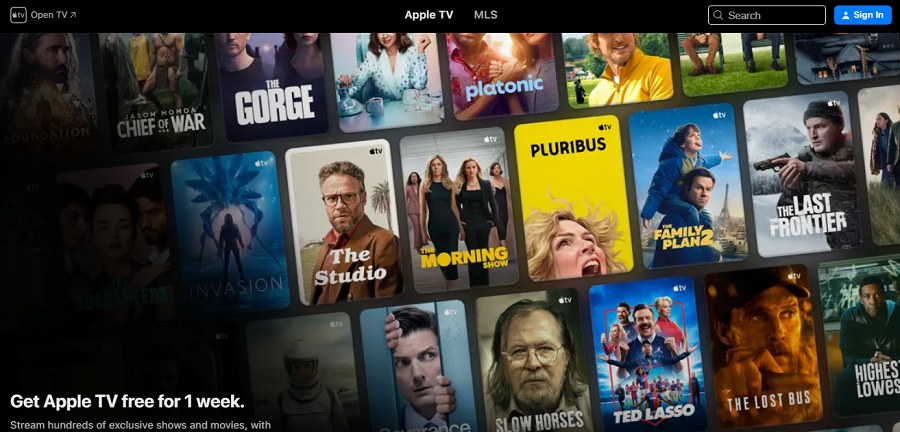
Apple TV+ is Apple’s premium streaming service that emphasizes original programming, including hit series, films, and documentaries.
Launched in 2019, Apple TV+ focuses on high-quality original content, often featuring acclaimed actors and directors.
It’s accessible on Apple devices, smart TVs, streaming devices, and web browsers. Offline downloads are available, and multiple profiles are supported.
Features of Apple TV+
- Exclusively original films, series, and documentaries.
- High-quality 4K streaming with Dolby Vision/Dolby Atmos.
- Offline downloads on Apple devices.
- Multi-profile support for family members.
- Cross-device support, including the Apple TV app on non-Apple devices.
Pricing Plans of Apple TV+
| Plan | Cost | Features |
| Monthly | $6.99/month | Full access to Apple Originals, HD/4K streaming, and multiple devices |
| Annual | $69.99/year | Full access, cost-effective yearly plan |
Pros of Apple TV+
✅ Legal, high-quality, original content.
✅ HD/4K streaming with Dolby support.
✅ Supports offline downloads and multiple profiles.
✅ Cross-device compatibility.
Cons of Apple TV+
❌ Limited catalog compared to Netflix or Disney+.
❌ Requires subscription.
❌ No free tier, only trial options.
17. Sony LIV
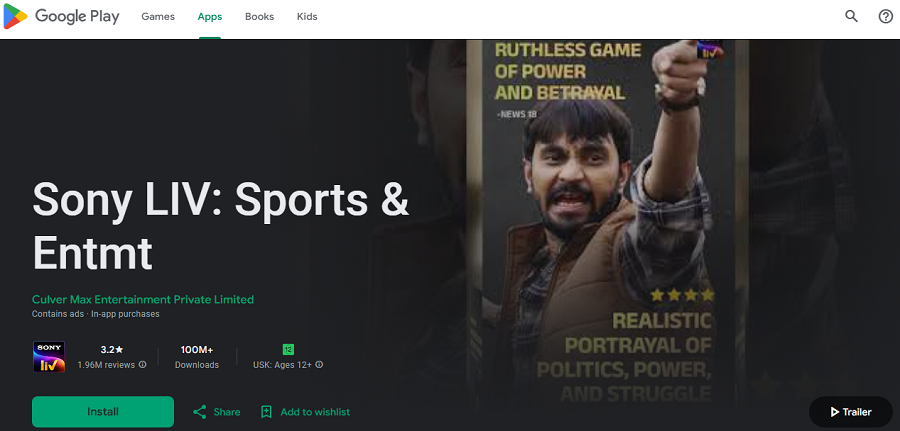
Sony LIV is a popular Indian streaming platform offering movies, TV shows, live sports, and originals.
It provides licensed content across Bollywood films, regional cinema, and global series. Available on web, mobile, smart TVs, and streaming devices, Sony LIV appeals to viewers seeking a combination of mainstream films, live sports, and Indian originals.
Features of Sony LIV
- Licensed Bollywood, regional, and international films.
- Live sports streaming and news channels.
- HD/Full HD streaming with multiple device support.
- Originals and exclusive series.
- Multi-profile support for families.
Pricing Plans of Sony LIV
| Plan | Cost | Features |
| Free | ₹0 | Ad-supported content, selected movies and shows |
| Premium | ₹299/month or ₹999/year | Full catalog, HD streaming, no ads on selected content |
Pros of Sony LIV
✅ Legal, licensed content with diverse genres.
✅ Offers live sports alongside movies and series.
✅ Multi-device support and HD streaming.
Cons of Sony LIV
❌ Free tier is limited in content.
❌ Some premium features require a subscription.
❌ Primarily focused on Indian content, limited to global films.
18. IMDb TV
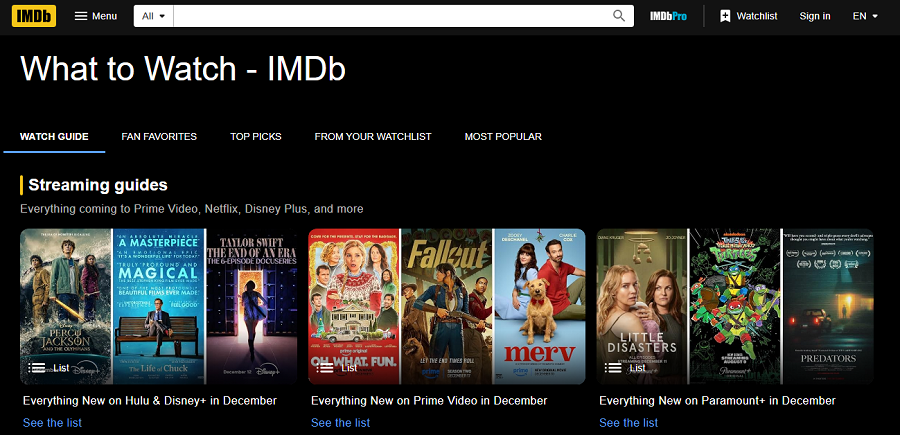
IMDb TV, rebranded as Freevee in the US, is Amazon’s free, ad-supported streaming service. It offers a wide array of movies, TV shows, and curated collections.
Its integration with Amazon accounts provides personalized recommendations and watchlists. The platform is available on web, mobile, smart TVs, and streaming devices, offering a completely legal way to enjoy content without subscriptions.
Features of IMDb TV / Freevee
- Free ad-supported streaming of movies and TV shows.
- Curated collections and genre-specific categories.
- Cross-device compatibility (web, mobile, smart TVs).
- Optional account integration for watchlists and playback continuity.
- Occasional Amazon Originals are included in the free tier.
Pricing Plans of IMDb TV / Freevee
| Plan | Cost | Features |
| Free | $0 | Ad-supported, full access to catalog, optional account |
Pros of IMDb TV / Freevee
✅ Completely legal and licensed.
✅ Free access with optional account for personalization.
✅ Cross-device support with curated collections.
Cons of IMDb TV / Freevee
❌ Ads interrupt viewing.
❌ Limited selection of the newest releases.
❌ Some content is restricted to certain regions.
Conclusion
In 2025, using GoMovies is increasingly risky, legally, technically, and ethically. The landscape of streaming has matured, and many safer, legal, high-quality options exist. If you enjoy movies and series, you don’t need to gamble on “free but risky.” Choose a legal alternative that fits your budget and watch worry‑free.
FAQs
Yes, legal options include Tubi, Pluto TV, Popcornflix, Plex, and Freevee, as well as paid streaming services like Netflix, Disney+, and Amazon Prime Video.
Yes, many mirror or spin-off sites exist, but safer alternatives are legal streaming platforms like Tubi, Plex, and library-based services.
The original GoMovies has been taken down, but mirror sites and clones still exist; access is often unstable and risky.
GoMovies, 0gomovies, and other clones temporarily filled the gap, but legal replacements like Tubi, Pluto TV, and subscription platforms are safer long-term options